This guide explains how crypto wallets work, how to send and receive crypto step by step, how to identify wallet networks, how to check a transaction ID and what to expect from fees and confirmations.

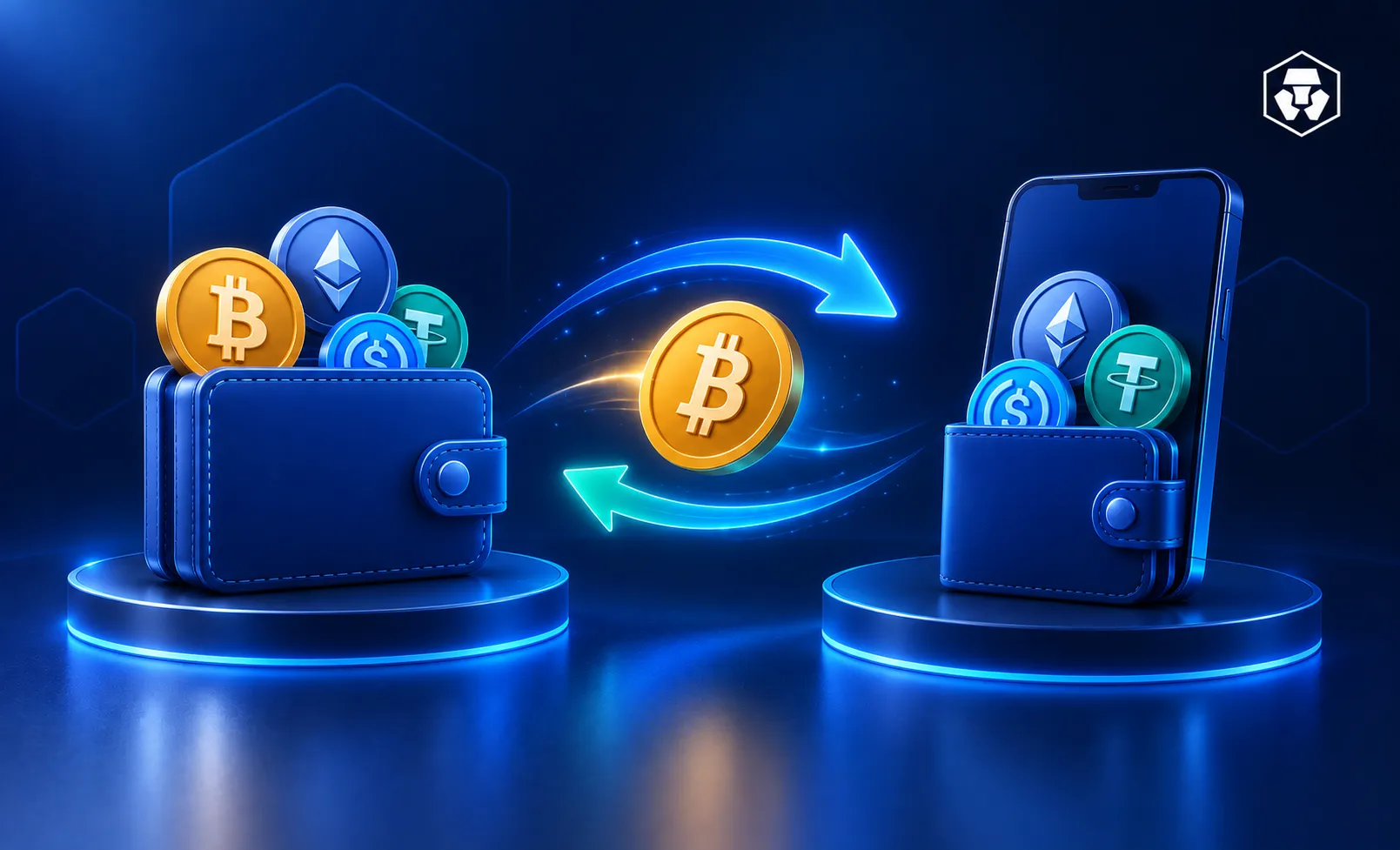
Sending and receiving crypto may look technical at first, but the process follows a clear structure. Crypto moves between wallets using unique addresses, blockchain confirmations and transaction fees. This guide explains how crypto wallets work, how to send and receive crypto step by step, how to identify wallet networks, how to check a transaction ID and what to expect from fees and confirmations.
A crypto wallet stores the private keys needed to access digital assets. It also manages the public address used to receive funds. Each wallet creates addresses using public key cryptography. You can send crypto to these addresses and the transaction appears on the blockchain once confirmed.
Wallets fall into custodial and non-custodial categories. Custodial wallets store private keys on your behalf when using a provider. Non-custodial wallets allow full key ownership but require careful seed phrase storage. The Crypto.com App provides a custodial wallet, while the Crypto.com DeFi Wallet supports non-custodial control.
Crypto wallets appear in several categories:
Hot wallets support quick transfers. Cold wallets allow offline storage for significant amounts.
You can find your wallet address in the receive section of the wallet. Most apps display the address as text and as a QR code. Each asset uses a different address type, such as BTC for Bitcoin or ERC20 for Ethereum. To receive crypto, you must share the correct address for the intended network.
The Crypto.com App supports sending and receiving crypto with a clear workflow. You select the asset, choose a network and enter a recipient address. The app shows minimum withdrawal amounts and network details before sending. Receiving crypto requires sharing the correct address or scanning a QR code.
Finding recipients
You can find recipients in more than one way:
Many tokens exist on multiple networks. For example, USDT appears on Ethereum (ERC20) and BNB Smart Chain (BEP20). Sending on the wrong network may cause delays or require manual recovery. You can check whether:
Matching networks may help ensure the transfer appears correctly.
Crypto transactions are irreversible. These verification steps can help reduce errors:
These checks apply to all crypto payments, including sending Bitcoin or other assets.
Sending crypto to an external wallet means transferring it from the Crypto.com App to another platform such as Coinbase, MetaMask or a hardware wallet. Users need the correct deposit address from the destination wallet.
Whitelisting addresses may add another layer of verification. This process saves trusted addresses after completing Two-Factor Authentication (2FA). It may reduce errors related to mistyped addresses.
Transfers fail for several common reasons:
Pay attention to network matching. Sending ERC20 tokens to an ERC20 address and BTC to a BTC address helps ensure funds arrive successfully. The Crypto.com App can help streamline this with confirmation prompts and safety checks.
Crypto.com Exchange withdrawals follow a similar process but use a separate interface. Exchange wallets operate separately from the Crypto.com App, so you manage withdrawals and deposits from the Exchange’s spot wallet. You can select the asset, enter a supported address, choose the network and complete the required security checks before the transfer processes.
There are several steps to this process:
OR
Withdraw to your Crypto.com App if you have connected your Crypto.com App to the Exchange
5. Select Crypto.com App to ensure a free withdrawal to the App.
6. Enter the amount you want to withdraw.
7. Select Review Withdrawal once you are ready.
8. Review withdrawal details.
9. Input your SMS OTP and Google verification code
10. Select ‘Confirm Withdrawal’. Withdrawal time to the Crypto.com App is instant.
The Crypto.com ecosystem supports internal transfers between the App and Crypto.com Exchange. These transfers often complete quickly because they occur within the same platform. Internal transfers appear separately from blockchain transactions, so they don’t generate TxIDs.
When someone sends crypto to your Crypto.com wallet, you’ll get a notification in the app and an email. That doesn’t necessarily mean you can access it immediately.
With Crypto.com specifically, you may have to confirm some details about the sender. To do this, find the transfer in your transaction history or tap the notification in the app. To view your transaction history, tap the clock icon on the top-right corner of the Send screen.
Receiving crypto requires selecting the asset in the Crypto.com App or Crypto.com Exchange and opening the receive page. The app displays an address and a QR code. You can share this address with the sender.
Once sent, the transaction appears on the blockchain and the deposit becomes available after the required confirmations.
Network compatibility matters, too. Checking that the sender uses the same asset and network may help funds arrive faster. For example, ERC20 tokens arrive only on an ERC20 address and BTC requires a Bitcoin address. So sending an ERC20 token to a BEP20 address may lead to delays or failed deposits.
A crypto transaction ID, also called a TxHash or TxID, is a unique code that identifies a blockchain transfer. It appears on blockchain explorers and records key details such as the sender, receiver, amount, fee and confirmation status.
You can copy the TxID from the Crypto.com App or Crypto.com Exchange by opening the specific transaction in your history. Entering that TxID into a blockchain explorer shows its on-chain status and confirmation progress.
Different blockchains use different explorers because each network stores data separately. Ethereum transactions appear on Etherscan, Bitcoin transactions appear on BTC.com and BNB Chain transactions appear on BSCScan. Each explorer displays confirmations, timestamps and wallet information.
Open the transaction details in the Crypto.com App or Exchange and copy the displayed TxID. This code links directly to your transfer’s on-chain record.
Insert the TxID into an explorer such as Etherscan, BSCScan or BTC.com. The explorer shows confirmation counts, timestamps and the wallet addresses involved.
If the transaction appears as pending, network validators may still be processing it. Once the required number of confirmations is reached, most platforms credit the deposit automatically.
Crypto transfers include network fees, also known as gas fees. These fees compensate network validators who process transactions. Each blockchain sets its own fee structure. Fees may vary by time of day, asset type and network congestion.
The Crypto.com App displays fee estimates during the transfer process. Users see how much of the transfer will go toward fees before confirming. These fee explanations apply to crypto withdrawals and deposits across most major blockchains.
Gas fees change based on network demand. Blockchains with higher activity require higher fees for faster inclusion in a block. When activity falls, fees may decrease. Different blockchains use their own pricing mechanisms for calculating gas.
Users may reduce gas costs by transferring during lower traffic periods. Some blockchains have consistently lower fees than others. Transfers within the same platform, such as internal transfers in the Crypto.com ecosystem, do not require blockchain gas.
A few checks can help you send crypto safely and avoid common mistakes.
Tip #1: Verify the address before sending: Make sure the destination address matches exactly. Blockchain transfers cannot be reversed.
Tip #2: Confirm the network matches the destination wallet: Network mismatches (for example, ERC20 to BEP20) may lead to failed or lost transfers.
Tip #3: Scan QR codes to reduce typing errors: QR codes help prevent manual entry mistakes on mobile devices.
Tip #4: Enable Two-Factor Authentication: 2FA adds an extra layer of protection for withdrawals and sensitive actions.
Tip #5: Keep seed phrases offline: Store seed phrases offline and never share them with anyone.
Tip #6: Avoid public Wi-Fi when sending crypto: Public networks may expose transactions to interception.
Tip #7: Use trusted wallets and apps: Reputable apps like Crypto.com include alerts and security checks.
Tip #8: Review the TxID before confirming large transfers: Confirm the transaction details and check the TxID after sending.
Remember that blockchain transfers are irreversible.
Transfers may remain stuck in pending status if the network faces high demand. Incorrect network selection may delay deposits. Some platforms credit deposits only after a certain number of confirmations, which varies by asset.
If a transfer doesn’t appear after the expected confirmation time, checking the TxID on a blockchain explorer can provide clarity. Network congestion may also cause temporary delays. Support teams on platforms such as the Crypto.com App may help users resolve wallet-specific issues.
Sometimes you may get a notification that you’ve received crypto, but the relevant balance doesn’t show it. This might be because the platform needs you to validate the transfer by answering a few questions about the transaction.
Crypto transfers must stay on the same blockchain. You can’t send Bitcoin to an Ethereum address and you can’t move an ERC20 token directly to another network without using specialized tools known as bridges. Cross-chain movement typically relies on these bridges, which lock the original asset and issue a wrapped version on the destination chain.
Wrapped tokens represent the original asset on another network, but not all wallets or platforms support them. This makes compatibility checks important. Bridges may also involve extra steps, additional fees and technical considerations. Because of this, some users prefer staying within the same chain to avoid unnecessary complications or failed transactions.
You select the asset, choose withdraw, enter the wallet address, select the network, review the fees and confirm. Sending crypto requires a valid address and a matching network.
Sending crypto to another wallet involves copying the destination address, selecting the correct network and approving the transaction. The TxID shows the status on a blockchain explorer.
Transferring to a bank account requires selling the crypto for fiat and withdrawing the fiat through available methods.
A TxID identifies a blockchain transaction. You can enter it into a blockchain explorer to check confirmations and details.
Crypto transactions can’t be reversed. They remain on the blockchain permanently once confirmed.
Delays may be caused by network congestion, low gas fees or incorrect network selection. Checking the TxID helps identify the status.
Transfer times depend on the blockchain. Some networks confirm transactions quickly, while others may take longer.
Gas fees pay the validators who process blockchain transactions. Fees change based on network demand.
Sending crypto between exchanges follows the same process as other transfers. Matching the deposit address and network may help ensure the transfer appears.
You can find your address in the receive section of the Crypto.com App or the Exchange. The address can be copied or shared as a QR code.
Important information: This is informational content sponsored by Crypto.com and should not be considered as investment advice. Trading cryptocurrencies carries risks, such as price volatility and market risks. Before deciding to trade cryptocurrencies, consider your risk appetite.
Services, features and other benefits referenced in this article may be subject to eligibility requirements, token holdings, and may change at the discretion of Crypto.com.
Staking rewards, fee reduction, and other benefits referenced in this article may be subject to eligibility requirements, token holdings, and may change at the discretion of Crypto.com.
Past performance may not indicate future results. There's no assurance of future profitability, and content may not reflect current opinions.
Note that third-party information is subject to change.




