Crypto.com Logo

CRYPTO

Create a Shiba Inu wallet in the US

Setting up a digital wallet to hold and manage Shiba Inu in the US is simple with the Crypto.com App. It’s your crypto portfolio in your pocket. Stay connected to your investments on the go.

Crypto assets are volatile and may lose value.

Crypto com US

The smartest way to set up a Shiba Inu wallet in the US

Quick and easy setup

Create your Shiba Inu wallet in just a few minutes with our straightforward onboarding process. Once your identity is verified, you can get started right from your phone.

Full portfolio control

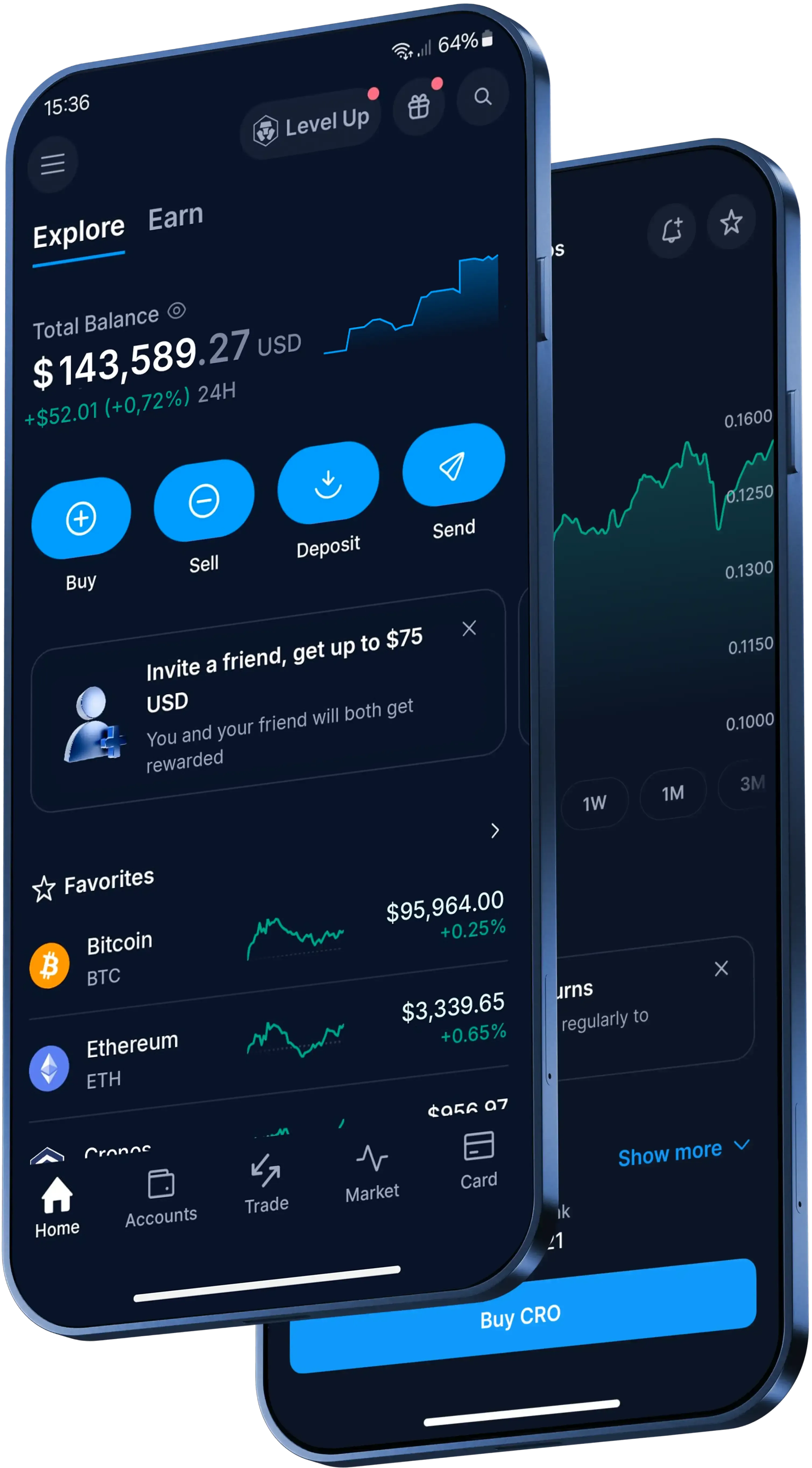
Manage your Shiba Inu wherever you are. View your balances, track performance and explore the Crypto.com DeFi Wallet for more advanced tools.

Strong security measures

We use cold storage and strict verification protocols to help keep your digital assets where they belong, 24/7. Remember, security measures don’t protect against market volatility.

Live Shiba Inu price in US Dollars

How to create a Shiba Inu wallet (step by step)

1

Get the App

Download the Crypto.com App from your app store and verify your identity in minutes using just your phone.

2

Set up your account

Follow the on-screen instructions to create your secure profile and get access to our crypto platform.

3

Access your Shiba Inu wallet

Once you’re verified, you can use your Shiba Inu wallet to buy, sell or manage your crypto assets.

Sign Up Now

Made for the US

Trusted globally. Built for Shiba Inu investors.

Ways to use your Shiba Inu wallet

Here’s some of what you can do once your Shiba Inu wallet is active:

  • Hold your assets in our high-security app infrastructure.
  • Spend your crypto (converted to fiat) at supported merchants.
  • Earn exclusive rewards if you join Level Up. 

Security measures don’t protect against market volatility. Crypto assets may lose value. Spending crypto may trigger fees and tax liabilities. Rewards aren’t guaranteed and may vary. T&Cs apply.

Buy and sell Shiba Inu and 400+ cryptos on our App

Get the latest crypto prices

Real reviews from real users

4.7

320k Reviews

4.5

660k Reviews

"New to the whole crypto thing, but I finally caved after seeing the ad for this app for the hundredth time. So far I like it. The App has a clear structure, which makes it very easy to use and sign up was smooth and easy as well."

-Verified user via Google Play Store

"Best customer service… Based on my experience with other providers I was bracing myself for long customer service queues. However I was quickly referred to a real person who helped me quickly resolve my problem."

-Verified user via Apple App Store

This app meets a person where they are. It also rewards you for learning. The onboarding process is simple. You can set notifications as you choose. There are a variety of items to invest in.

-Verified user via Apple App Store

Fee-free trading*

Make your money work harder. Buy, sell or trade 400+ trending crypto tokens with zero fees* in the Crypto.com App. Plus, join Level Up and enjoy industry-leading rewards. T&Cs apply.

Join now
Zero trading fees

Learn more about Shiba Inu and other cryptos

What is copy trading and how does it work

Custodial vs non-custodial wallets: what's the difference?

Not sure whether to keep your own crypto key or let someone else hold it for you? Our guide to custodial vs non-custodial wallets can help.

Learn more
crypto wallet

What is a crypto wallet and how does it work?

Whether you’re buying your first cryptocurrency or actively trading, one tool is absolutely essential: the crypto wallet. Here, we cover what a crypto wallet is, how it works, and how to choose the best one for you.

Learn more
How to buy and invest in cryptocurrency Step by step beginners guide

How to buy and invest in cryptocurrency in the US: Step by step beginners' guide

Considering investing in cryptocurrency but not sure where to begin? This step by step beginner’s guide walks you through choosing a secure platform, creating an account, funding it, and making your first purchase – plus key tips to help you keep your investment safer.

Learn more

Worldwide access to cryptocurrency

Millions of users across 90+ countries

Founded

2016

Countries

90

Users

150M+

FAQs

A Shiba Inu wallet is a digital tool that allows you to manage, store, and interact with your Shiba Inu balances. It acts as your personal interface for the cryptocurrency network. For a seamless experience, many participants choose trusted platforms like the Crypto.com App to keep their portfolios readily accessible.

To create a Shiba Inu wallet, you typically need to download a cryptocurrency application, create a secure profile, and complete an identity verification process. Getting started is straightforward with user-friendly apps like Crypto.com, which can help you get set up directly from your phone in just a few minutes.

Not necessarily. While some wallets are built specifically for a single asset, multi-currency wallets allow you to hold Shiba Inu alongside many other digital assets. Comprehensive mobile applications like Crypto.com allow you to manage over 400 cryptocurrencies in one convenient place.

Keeping your digital assets protected is an important part of managing your portfolio. It is best to look for wallet providers that employ strong security measures, such as cold storage and stringent verification protocols. Platforms like Crypto.com prioritize these features to help protect your account access 24/7.

Setting up a software-based Shiba Inu wallet is generally free. While network or transaction fees may apply later when you decide to buy, sell, or transfer assets, downloading and opening an account on leading platforms like the Crypto.com App does not require an upfront setup fee.

Mobile cryptocurrency wallets make it easy to manage your portfolio from virtually anywhere. By installing a reputable mobile application like the Crypto.com App, you can view your balances, track market performance, and manage your Shiba Inu directly from your smartphone.

Many modern wallet providers offer integrated card programs that allow you to utilize your crypto balances for everyday spending. Once your Shiba Inu is converted to fiat currency, you can spend it seamlessly at supported merchants using options like the Crypto.com Visa Card.

Setting up a Shiba Inu wallet on the Crypto.com App is simple. First, download the App from your preferred app store. Then, follow the clear on-screen instructions to verify your identity and create your profile. Once your account is approved, your Shiba Inu wallet is ready to use.

With your Crypto.com Shiba Inu wallet, you can easily buy, sell, and hold your digital assets. Additionally, you can track real-time price movements, explore the Level Up program for potential platform perks, and manage your wider cryptocurrency portfolio all in one place.

Yes, if you are looking for more advanced tools or prefer self-custody, you can explore the Crypto.com DeFi Wallet. It allows you to manage your Shiba Inu and other tokens while giving you full control over your private keys, working alongside your experience on the main Crypto.com App.

Important Information

Important Information: 

This content is sponsored by Crypto.com and should not be considered as investment advice. Trading cryptocurrencies carries risks, such as price volatility and market risks. Before deciding to trade cryptocurrencies, consider your risk appetite.

Trading is subject to account verification and eligibility.

The Level Up benefits mentioned are subject to your level in the Level Up program. Check the specific conditions and benefits for each level. Participating in Level Up does not guarantee access to all services or benefits. Services and potential benefits remain subject to local jurisdictional requirements, availability, and terms and conditions, among other things. All benefits, offers, and rewards conferred by Crypto.com, including but not limited to CRO Rewards, are subject to change at Crypto.com’s sole discretion. See https://crypto.com/us/levelup  for details.