Learn what a block explorer is and how to use it to verify transactions, check confirmations and understand fees, addresses and blocks.

Block explorers provide transparency on blockchain activities. When crypto transactions take place, you may see a ‘transaction hash’ or a ‘TxID’. That’s data being recorded on the blockchain network.
This guide breaks down how these tools work and how to read the data they provide.
A block explorer is akin to a search engine for the blockchain. Just as you use an internet browser to find information on the web, you use an explorer to find data on a specific network (e.g., Ethereum). It allows anyone to search for real-time and historical data regarding transactions, wallet addresses and network health.
Blockchains are public ledgers, but the raw data stored on individual nodes isn't easily readable by humans. Explorers pull such complex information and present it in a clean, searchable interface. They’re the primary tool for verifying that a transaction actually happened exactly as intended.
The terms ‘block explorer’ and ‘crypto wallet’ tend to be conflated, but these tools serve different purposes. A crypto wallet is your personal storage for managing private keys and signing transactions.
A block explorer, by contrast, is a verification tool. It doesn’t store your keys, nor can it move your funds. While a wallet shows you your personal balance, an explorer shows the entire network’s history.
You use your wallet to act and you use the explorer to see the results of those actions.
It parallels traditional banking: Your wallet is your debit card and mobile app, while the block explorer is the public record of every ATM and branch transaction ever made. One is for spending and saving; the other is for auditing and proof.
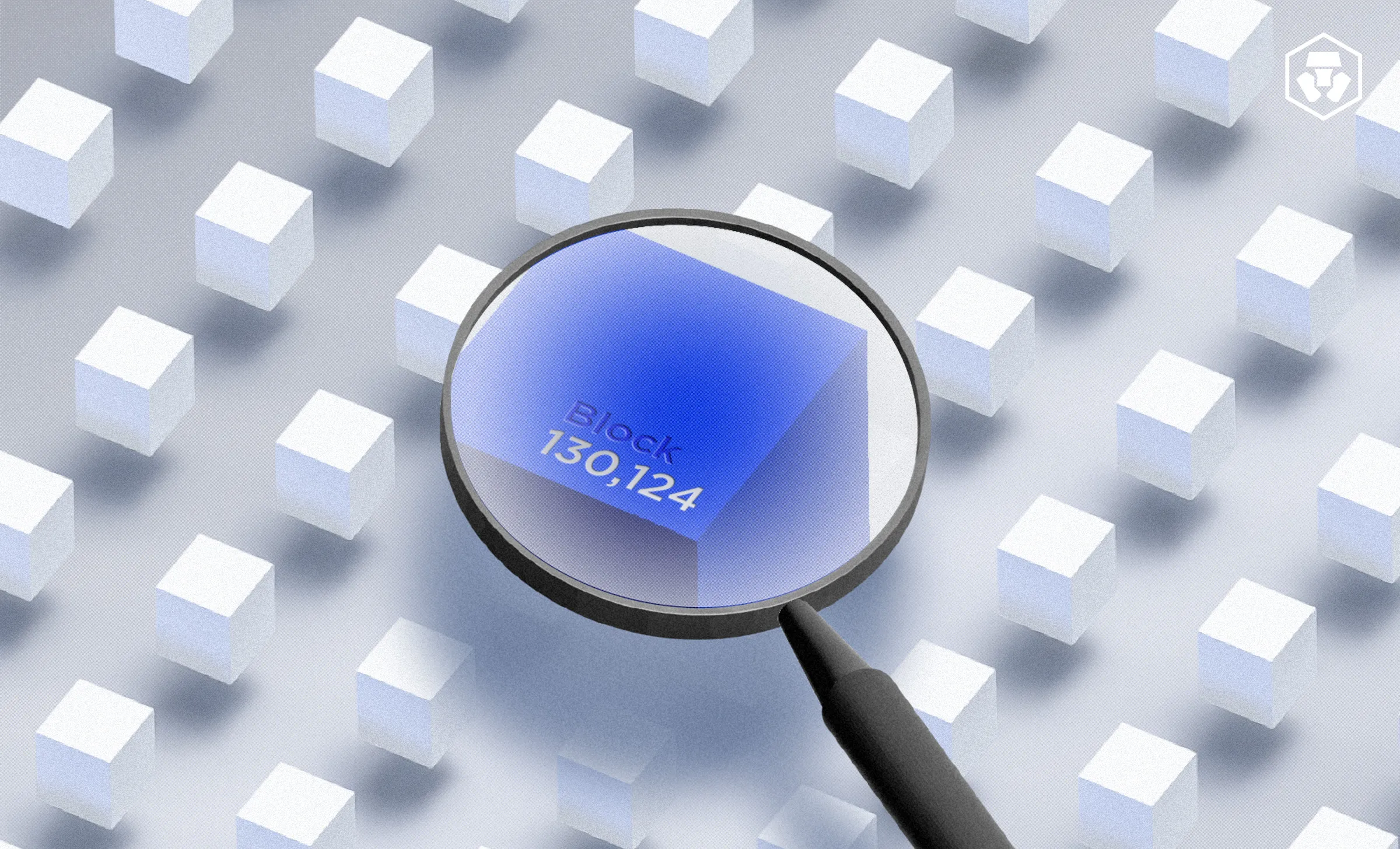
A block explorer works like a magnifying glass for the blockchain. While these platforms display thousands of data points, most user activity centers around three specific search terms.
A Transaction ID (TxID), or hash, is a unique string of letters and numbers that identifies a specific transfer. It’s like a digital receipt; you use a TxID when you need to prove a payment was sent or to check why a transfer hasn't arrived in your wallet yet.
Searching for a wallet address allows you to view its entire public history. This includes every asset the wallet currently holds and every transaction it has ever signed. When it comes to blockchain explorers, an address represents a destination or a point of origin on the network.
A ‘block’ is a bundle of transactions that were processed together. The block height refers to its specific number in the chain's history.
Searching for a block helps you see the broader network activity at a specific moment and determines how many confirmations a transaction has received.
Quick glossary
|
Tracking a crypto transfer is the most common reason to use an explorer. Whether you’re moving funds between exchanges or sending crypto to a friend, the process for verification is universal across almost all networks.
After you initiate a transfer, your wallet or exchange will provide a transaction hash or TxID. This unique alphanumeric string is your digital receipt; copy it to your clipboard to begin the search.
Blockchains are independent of one another. To find your data, you must use an explorer built for that specific network. For example, use Etherscan for Ethereum, Solscan for Solana or a Bitcoin explorer for BTC.
Paste your hash into the search field and press enter. If the transaction was sent seconds ago, it might not appear immediately. Wait a moment for the explorer to index the latest data from the nodes.
Look for the status label to see where your funds are in the process.
(*A mempool is a node's ‘waiting room’ for unconfirmed blockchain transactions. When a user sends a transaction, it sits in the mempool until miners or validators select it to include in a new block.)
Don't just look at the status. Verify the underlying data. Check the ‘From’ and ‘To’ addresses to ensure the destination is correct. Review the value to confirm the amount and check the block or confirmations to see how deeply the transaction is settled.
Review the ‘transaction fee’ or ‘gas fee’ section. This shows what you paid the network validators to process your request. A high fee typically results in faster confirmation, while an unusually low fee might cause your transaction to remain ‘pending’ for a longer period.
Once you search for a hash, the explorer displays a detailed summary. To the untrained eye, this page looks like a wall of technical jargon. However, most of the information can be broken down into essential categories that tell you exactly what happened on-chain.
Field name | What it tells you | Why you need to know this |
Status | If the transaction is showing ‘pending’, ‘success’ or ‘failed’. | Confirms if the network has accepted and processed your request. |
Confirmations | The number of blocks added to the chain since yours. | Signals how ‘final’ a transaction is; more confirmations mean less risk of reversal. |
‘From’ and ‘To’ | The sending and receiving wallet or smart contract addresses. | Verifies that the funds moved between the intended parties. |
Value vs. tokens | ‘Value’ is native currency (like ETH); ‘tokens’ are other assets (like USDC). | On many chains, a transaction can show ‘0 ETH’ while still moving thousands in tokens. |
Gas and fees | The gas price, gas limit and total transaction fee paid. | Explains the cost of the transfer and why it may have been fast or slow. |
Nonce | A counter used to order transactions from a single wallet. | Helps prevent ‘double-spending’ and is used to ‘speed up’ or ‘cancel’ stuck transactions. |
Input data or method | The specific function called, such as ‘swap’, ‘approve’ or ‘mint’. | Identifies exactly what you were doing when interacting with a smart contract. |
Logs or events | A record of the secondary actions triggered by the transaction. | Provides high-level proof of ‘behind-the-scenes’ actions, like a price update or an NFT ID change. |
As you move beyond simple peer-to-peer transfers, transaction data becomes more complex.
Interactions with smart contracts – automated programs that run on the blockchain – add extra layers of information. Instead of a direct ‘A to B’ movement, you’re interacting with a piece of code that triggers several actions at once.
Because anyone can deploy a contract, scammers often create fake tokens with familiar names like ‘USDC’.
To stay safe, always verify the ‘contract address’ itself rather than just the token symbol. Compare the address on the explorer against official documentation or reputable sites like CoinGecko to ensure you are interacting with the genuine protocol.
Block explorers are powerful tools for transparency, but they’re not all-knowing. Here are some of their limitations.
Explorers are public and pseudonymous. They show wallet addresses and balances, but they can’t show your name, physical location or IP address. Furthermore, an explorer is a ‘read-only’ window; it never has access to your private keys or the ability to access your funds.
A common misconception is that an explorer is a ‘customer support’ tool for the blockchain. Once a transaction reaches a ‘success or ‘confirmed’ status, it’s written permanently into the ledger. An explorer can record the history of a mistake but it has no power to undo or reverse a confirmed transfer.
While you can see every move a specific wallet makes, the explorer can’t tell you who owns it. Unless an entity (like a major exchange) has been publicly tagged or labeled, an address is just a string of characters. Proving ownership requires external proof, such as a signed message from the wallet holder.
Blockchains are public by design. While your name isn't attached to your wallet, every move you make is visible to anyone with your address.
1. Wrong network errors
Sending funds to a legitimate address on an unsupported chain is a common mistake. If you send BTC to an Ethereum address, the explorer will show you that the funds didn't arrive because the networks are not compatible.
2. Spam and fake tokens
Scammers have a practice of ‘airdropping’ fake tokens into active wallets to trick users. These tokens often use names like ‘FREE-USDC’. Heed the warnings on explorers that flag unverified or suspicious contracts.
3. Copycat contracts
Scammers create contracts that look identical to famous protocols. Always verify the contract address through an official source like the project’s documentation or a trusted aggregator before signing an approval.
Verify the network: Ensure the explorer you are using matches the network you sent the funds on. Verify the contract address: Check that the contract you are interacting with is the verified, official version. Double-check the recipient: Always verify the ‘To’ address on the explorer to confirm it matches your intended destination. |
Blockchains are independent ecosystems, meaning you can’t use a Bitcoin explorer to find an Ethereum transaction.
Each network has its own dedicated tools maintained by the core developers or the community, to provide specific data for that environment.
While the layout and specific fields may vary slightly between these sites, the core logic remains the same. Once you learn to navigate one major explorer, you can find your way around any other network’s tool by following the same search and verification principles.
Don't spend hours wondering why a transfer hasn't arrived or if a smart contract was legitimate. Using a block explorer gives you the ‘receipts’ for every move you make on-chain.
Why does my transaction say ‘pending’ on the explorer?
A pending status means your transaction is in the ‘mempool’, a waiting area where validators pick up requests. This usually happens because the network is congested or the gas fee you set was lower than the current market rate.
What should I do if a transaction ‘fails’ on the block explorer?
If an explorer marks a transaction as ‘failed’, the funds never left the origin address, but the gas fee is still consumed. This can happen due to smart contract errors or insufficient gas. You’ll need to initiate the transaction again with corrected parameters.
How many confirmations are considered ‘safe’?
While one confirmation technically adds a transaction to the ledger, most exchanges require more to ensure finality. For Bitcoin, three to six confirmations are standard; for Ethereum, users often wait for 12 to 30. More confirmations decrease the risk of a network reorganisation.
Can someone see my name if they have my wallet address?
No. Block explorers only show alphanumeric addresses and their history. They don’t reveal personal identities, names or physical locations. However, as all transactions are public, anyone can see every move that specific address has ever made on the blockchain.
Why is the transaction fee different from the amount I sent?
The transaction fee (or gas) is the price paid to the network's validators to process your request. It’s separate from the ‘value’ of the assets you are sending. Fees fluctuate based on network demand and the complexity of the transaction.
Are block explorers free to use?
Yes. Since blockchain data is public, explorers provide their search and verification tools at no cost to the general public. While the core search features are free, some explorers offer pro or developer tiers.
Can I use one explorer for every blockchain?
No. You must use an explorer designed for the specific network you’re on, though ‘multi-chain’ explorers can track a few major networks simultaneously.
Important information:
This article is for informational purposes only and should not be construed as financial or investment advice. Trading cryptocurrencies involves risks, including price volatility and market risk. Past performance may not indicate future results. There is no assurance of future profitability. Before deciding to trade cryptocurrencies, consider your risk tolerance.
Services, features, and other benefits referenced in this article may be subject to eligibility requirements and may not be available in all markets. They may also be subject to change at the discretion of Crypto.com.




