






Onchain Wallet is now Ult
The Onchain Wallet experience is expanding. Your Onchain Wallet is still its own wallet, still connecting to the networks you already use, and will continue to be at your fingertips when you need it.
And now we’re expanding the experience by introducing Ult. Where you trade stocks, crypto, sports, predictions and commodities, 24/7, seamlessly inside of Ult.
Two different experiences that you toggle between based on what you're doing, all in one app experience.
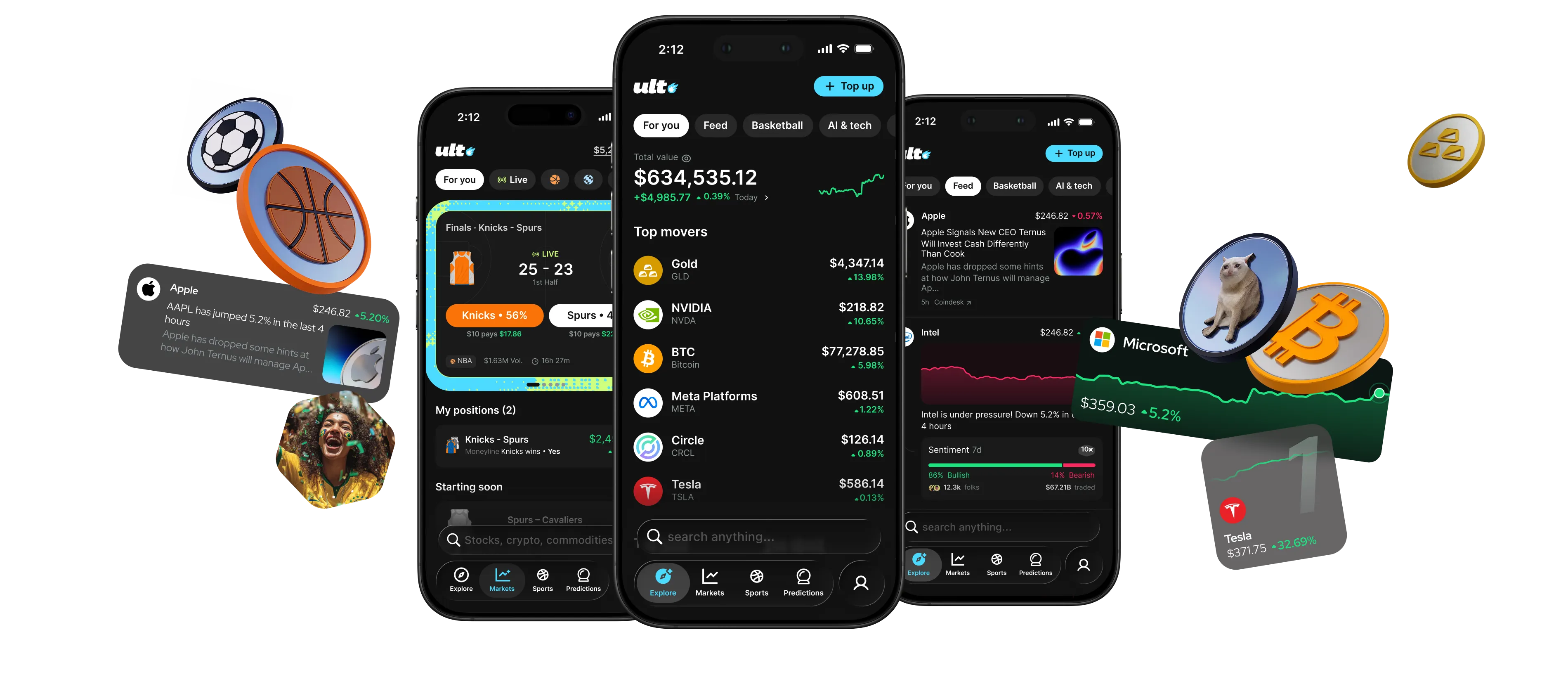
Zero complexity
Fund from ApplePay, crypto, or from your Crypto.com account.
No seed phrase to write down, no gas to manage, no networks to switch between, no multiple variants of the same asset to fumble through.
Create an account in an instant with Google, Apple and fund your cash balance with ApplePay, crypto, or from an existing exchange balance.
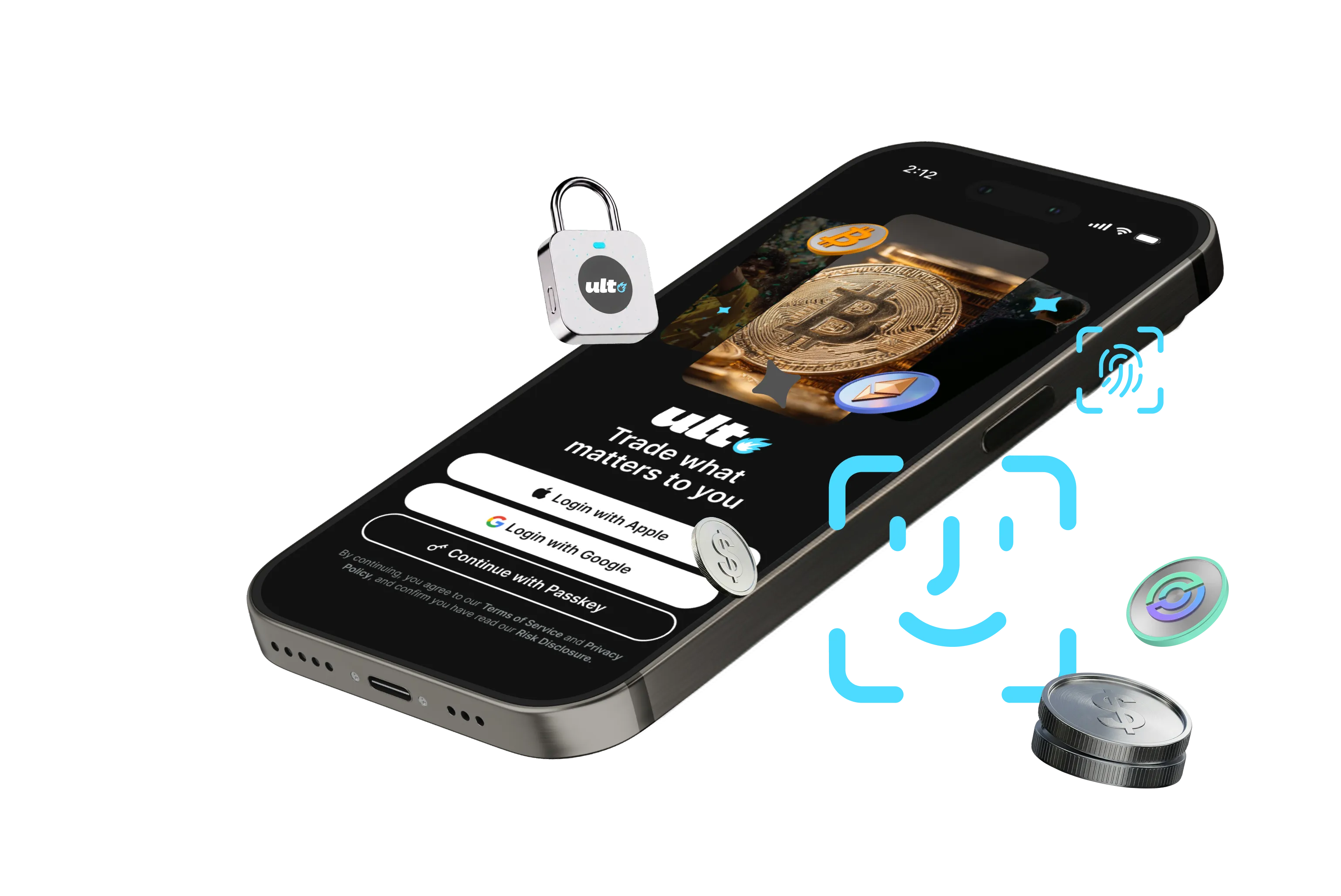
Sports
Trade the game while it's happening.
Sports predictions have arrived, priced as markets you can enter and exit mid-game. Your position moves with the score.
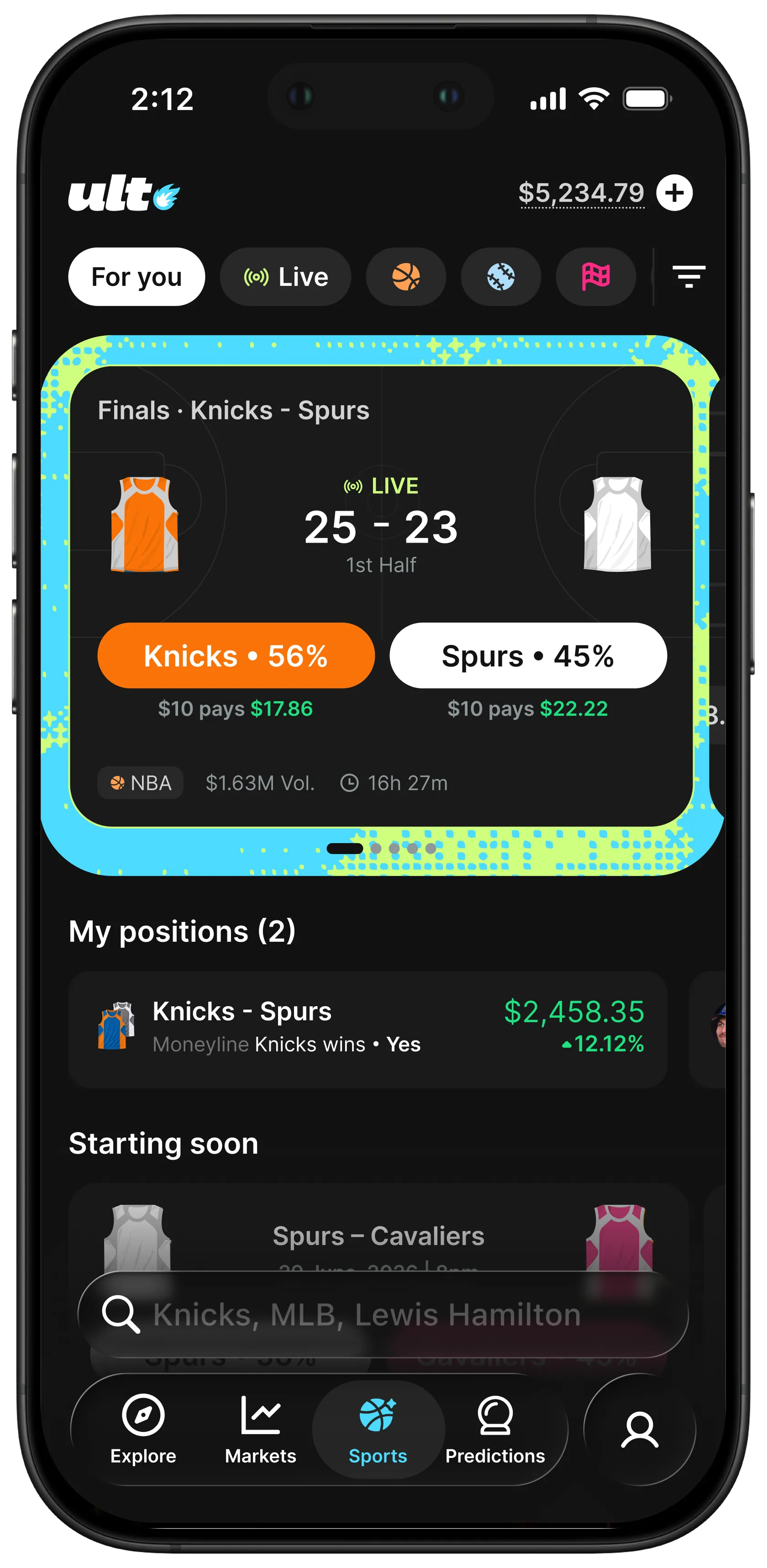
Perps
Leverage every move.
Perpetual futures up to 40x on crypto, tokenized stocks and commodities. Go long or short, set your take profit and stop loss, and see your liquidation price before you enter.
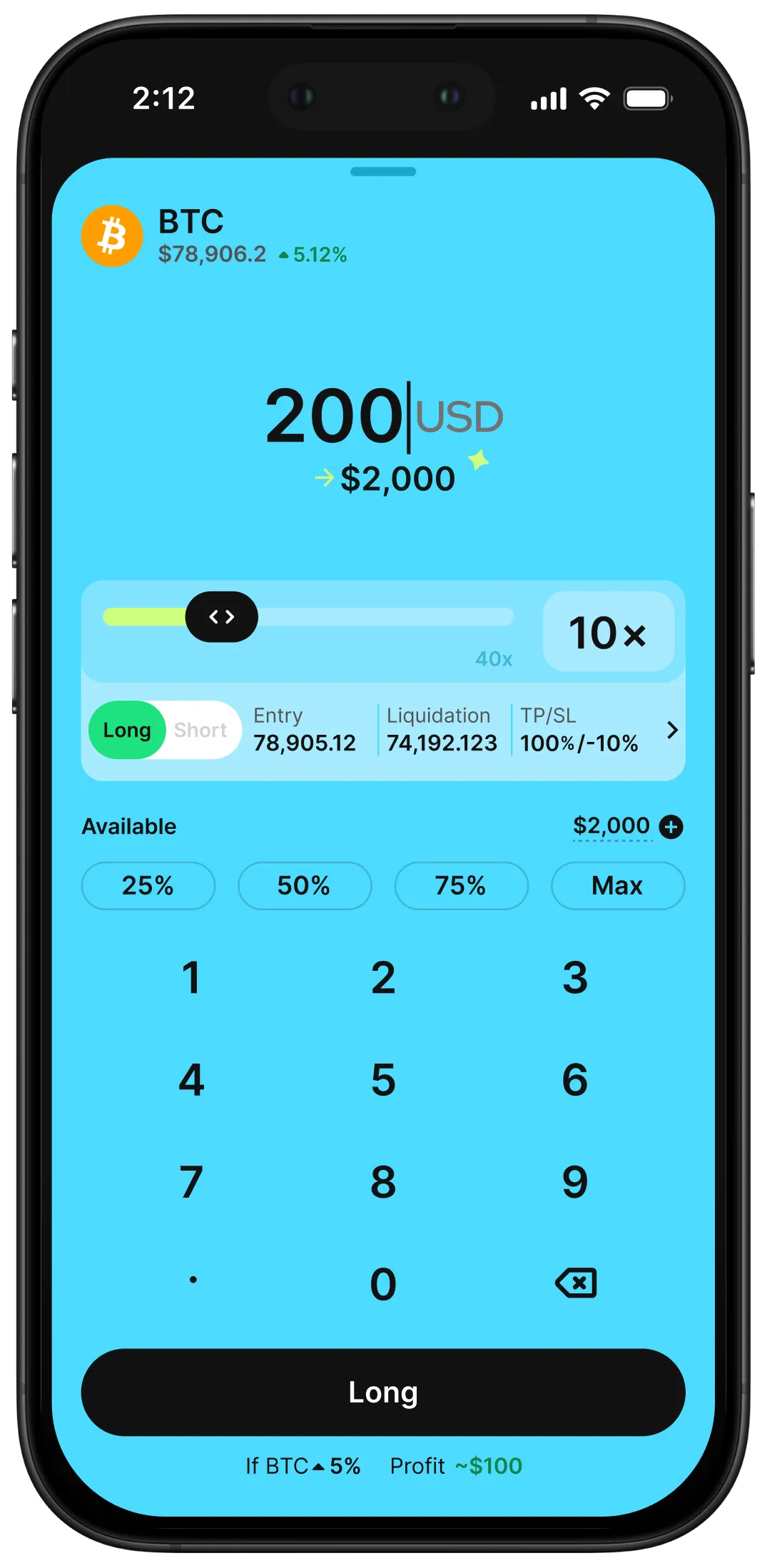
Crypto, tokenized stocks and commodities
All assets trade when you do.
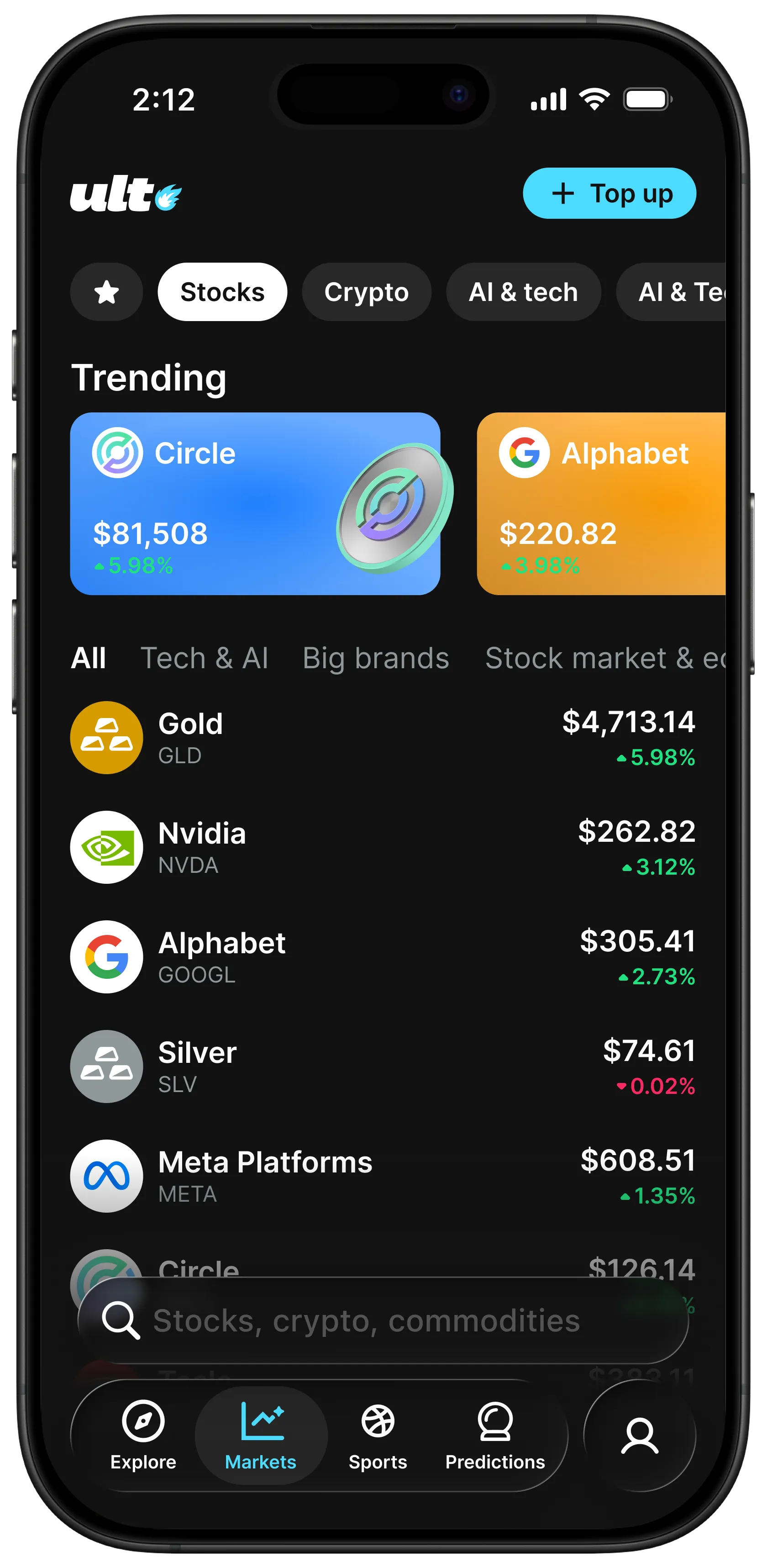
Nvidia, Bitcoin, Alphabet, Gold and Silver, open 24 hours a day. Trade the assets you actually follow without waiting for a market bell.
Buy, sell and swap with a tap, across major chains with bridging built in.
Feed
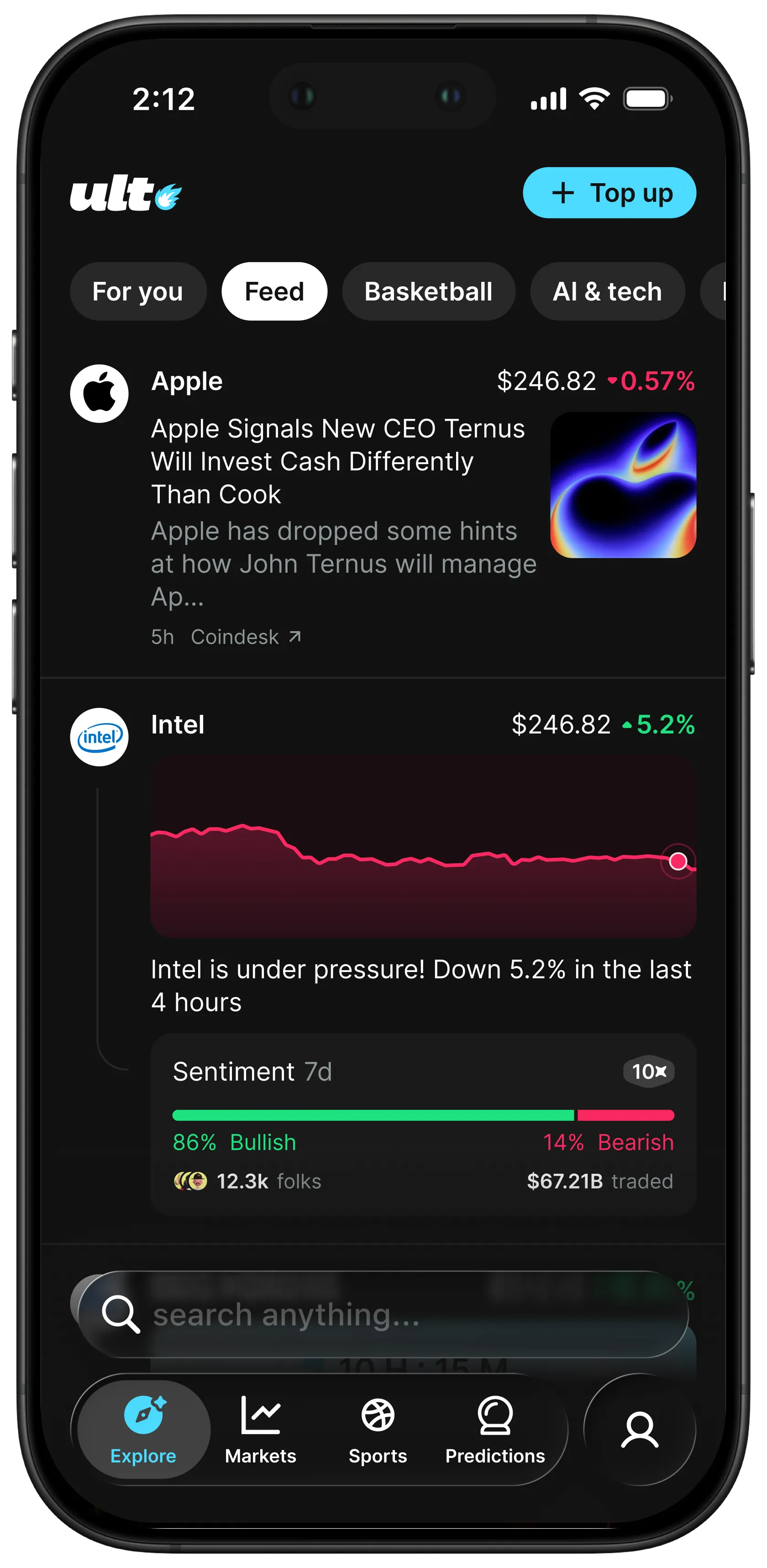
A feed built around you.
News, price moves and what other traders are doing, on one card. Filter to what you care about and the feed tunes itself to how you trade.
DOWNLOAD
Trade anywhere. Get the Ult app.
iOS
Android
Mobile app
Frequently Asked Questions
Yes. Nothing has moved. If you would rather use the wallet the way you always have, open Settings in Ult and switch back to Onchain Wallet — same keys, same balances, same history. Onchain Wallet mode will remain available while Ult expands support across the networks most widely used by Onchain Wallet customers. Notice will be provided before any full transition to Ult takes place.
Ult is a self-custodial app developed by Cronos Labs and built on Cronos network: you hold your own keys and your funds stay in your wallet while you trade tokenized stocks, crypto and prediction markets from one balance. No Crypto.com account is required. The Crypto.com App is custodial and offers a broader range of fiat and card products. Cronos and Crypto.com are separate and independent legal entities, each with its own governance, management, operations, and regulatory obligations; neither entity is an agent, partner, joint venturer, fiduciary, or affiliate of the other for any purpose. The products and features described herein are subject to applicable laws; their availability, terms, and features may vary and are subject to change without notice.
No. Ult uses a smart wallet, so there is no seed phrase to write down, lose or have stolen. You sign in with your Google account, Apple account or a passkey, and that is also how you recover access. Sensitive actions are confirmed with Face ID, Touch ID or your device passcode.
Have more questions? Contact Us