





Don’t invest unless you’re prepared to lose all the money you invest. This is a high-risk investment and you should not expect to be protected if something goes wrong. Take 2 mins to learn more.
Don’t invest unless you’re prepared to lose all the money you invest. This is a high-risk investment and you should not expect to be protected if something goes wrong. Take 2 mins to learn more.
Learn how to buy Rips packs on Crypto.com, from finding Rips in the App to opening a pack and choosing to sell or keep each card. US only, 18+.

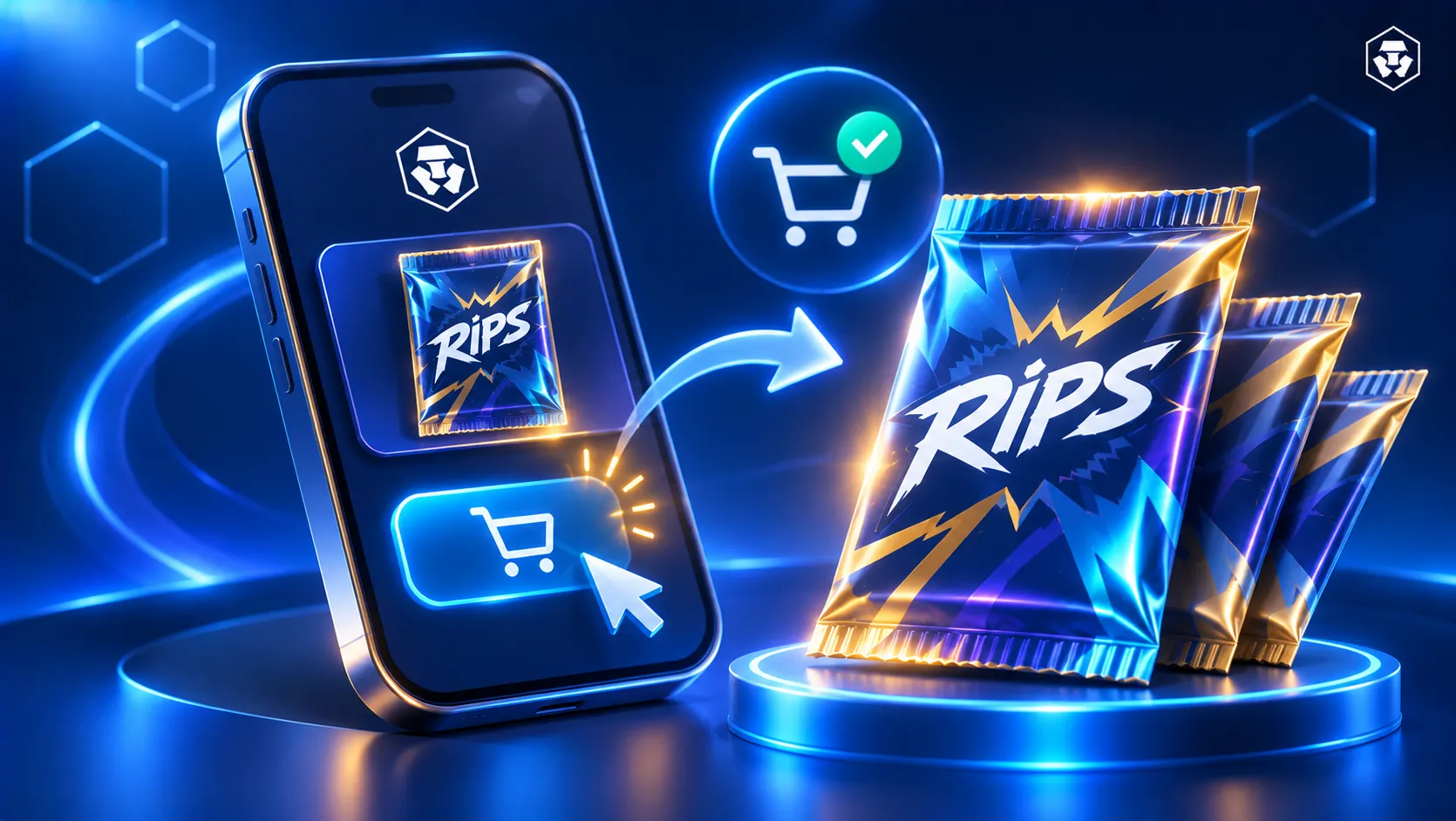
Tearing open a fresh pack is half the fun of collecting and Rips brings that experience right to your phone. This guide shows how to buy Rips packs on Crypto.com, what happens at the reveal and what you can do with the card you pull.
Crypto.com Rips lets you collect real trading cards in the Crypto.com App. You buy a pack, swipe to rip it open and reveal your card, then decide whether to sell it back or keep it. Each paid pack contains one card.
Four categories are available:
Rips is all about collecting and entertainment. What you pull is random and no pack guarantees a particular card or value.
Rips is available to users in most jurisdictions in the Crypto.com App. You must be 18 or over. Some features also need identity verification:
Services and features may be subject to eligibility requirements and may change.
Follow these steps in the Crypto.com App. Check the price shown before you confirm.
Only settled funds can buy packs. A recent ‘Instant Deposit’ may not have settled yet, so give it time or choose another payment method.
Card collectibles have taken off as hobbyists and first-timers alike amass their collections or flip it for gains.
Try your hand at the Rips experience and get 5 online card packs free of charge. Find out more details.
Here's how to open Rips packs on Crypto.com once you've bought one. Tap to select the pack and swipe to rip it. Your card is revealed with the buyback price shown on it.
You can then choose 'Sell' or 'Keep'. You can also tap the share icon at the top right of the card to share a pull, either right after the rip or later from 'My Collection'.
To see the exact odds and value ranges for a pack, check the 'Odds' screen on that pack's listing. Packs can contain ‘Common’, ‘Uncommon’, ‘Rare’ or ‘Epic’ cards.
After the reveal you have three paths:
The countdown is a temporary decision window. You can see it on each card in 'Accounts > Rips > My Collection'. Once it ends you can't ship the card.
Proceeds are credited to your fiat balance. If you've completed identity verification and opened an account, you can withdraw them.
To ship a card, you need to have completed identity verification and hold a card that's eligible to ship. To start, go to 'Accounts > Rips > My Collection', select the card and tap 'Ship to me'. A confirmed shipment can't be cancelled and you can follow it under 'Accounts > Rips > Shipped'.
The pack price appears on the Rip button before you buy. Each category has seven tiers, currently priced from $5 to $2,500. Selling back uses the buyback price shown on the card.
You can pay with your settled account balance, Apple Pay, Google Pay, a debit card or crypto. A fee may apply when you pay with a card, Apple Pay or Google Pay. Eligible new users who have completed identity verification may have that fee waived for the first 7 days.
Shipping is paid separately with your settled account balance, Apple Pay, Google Pay or a debit card. Fees and tax may apply depending on your payment method and shipping address.
Free packs show up under 'Your packs' on the 'Rips' tab. Users with approved identity verification receive five, and each one expires if you don't open it within 90 minutes of claiming it.
Online card ripping means opening trading card packs through an app or website and revealing what's inside on screen. Rips follows the same pattern, with a real card at the end of it:
On any platform it helps to read the terms and odds before you open a pack. Check the shipping and buyback rules too. On Rips the 'Odds' screen shows the odds and value ranges for each pack. Contents are random and no pack guarantees a particular card or value. The countdown on a kept card does end.
Follow these steps to get started.
In the 'Rips' tab, tap to select your pack, then swipe to rip and reveal your card. You can then choose 'Keep' or 'Sell'.
Open the 'Rips' tab, select a category and choose a pack. After you rip it you can sell the card back instantly or keep it and ship or sell it before its countdown ends.
This article walks through the steps. For full details see the Rips article in the Crypto.com Help Center.
Rips has a Pokémon category. Open the 'Rips' tab, select 'Pokémon' and choose a pack. Each paid pack contains one card, and the 'Odds' screen on the listing shows the odds and value ranges.
Rips has Football, Basketball and Baseball categories. Select one in the 'Rips' tab, choose a pack and tap 'Rip for $X' to buy it.
Rips is available to users in most jurisdiction in the Crypto.com App. Free packs, shipping and withdrawing proceeds also need identity verification.
A card from a paid pack can stay in 'My Collection' for 2 days (48 hours) and a card from a free pack for 12 hours. When the countdown ends the card sells automatically.
No. You can sell a card back instantly or let it sell automatically when its countdown ends. Shipping is optional and only available while the countdown is running.
No. What you pull is random, and the buyback price shown on a card may be lower or higher than the pack price. The 'Odds' screen shows the odds and value ranges for a pack.
Important information: This article is for informational purposes only and should not be construed as financial or investment advice. Trading cryptocurrencies involves risks, including price volatility and market risk. Past performance may not indicate future results. There is no assurance of future profitability. Before deciding to trade cryptocurrencies, consider your risk tolerance.
Services, features and other benefits referenced in this article may be subject to eligibility requirements, token holdings, and may change at the discretion of Crypto.com.
The Crypto.com Rips service is provided by Foris Inc. subject to the Crypto.com Rips Terms and Conditions, eligibility, and jurisdictional limits.