What are Chainlink and LINK?
Chainlink is an oracle platform. Oracles help blockchain smart contracts connect to external data, application programming interfaces (APIs) and offchain computation. Put simply, Chainlink gives smart contracts a way to use information that is not already on a blockchain.
LINK is the native digital asset of the Chainlink Network. Developers and organisations use LINK to pay for Chainlink services, and network service providers such as node operators are paid in LINK when they facilitate those services.
How to buy Chainlink in the UK
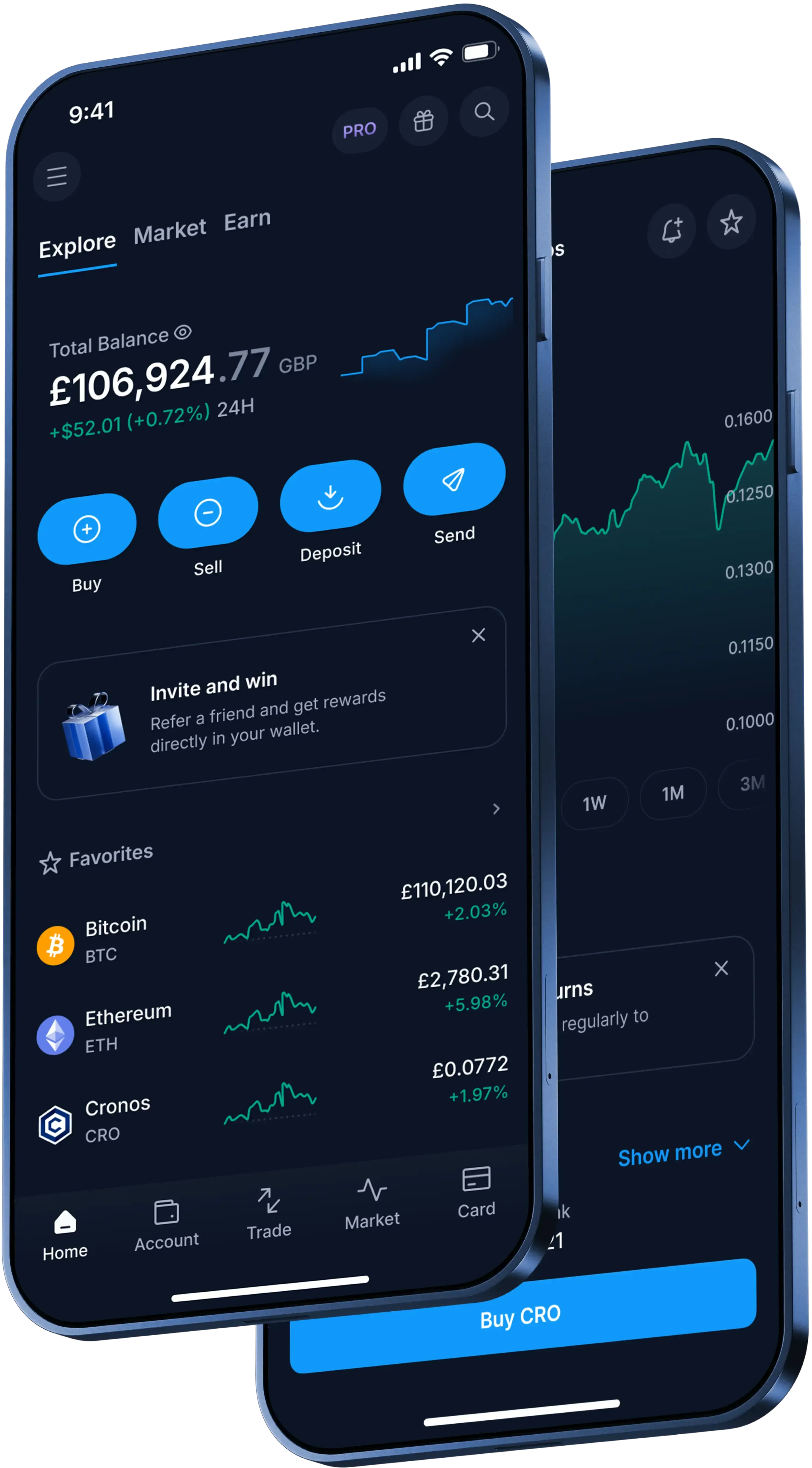
In the Crypto.com App, the basic one-time buy flow is:
- Create your account.
- Add funds using an available method.
- Tap 'Buy' and choose Chainlink.
- Select 'One-Time', enter the amount you want to purchase and choose a payment method.
- Review the order details and confirm when you're ready.
The quoted conversion rate is valid for 15 seconds. If you don't confirm within that time, the rate refreshes.
How can you pay for Chainlink in the App?
GBP is the fiat currency accepted on your account. You can deposit GBP by bank transfer, which is free on Crypto.com, to buy Chainlink.
The Chainlink buy page also lists funding by debit or credit card (Visa or Mastercard), Apple Pay, Google Pay, or by transferring crypto to your wallet.
What costs and minimums apply when buying Chainlink?
You can buy fractional amounts of Chainlink. The minimum buy or sell amount for one-time orders is the equivalent of £1.
Crypto.com may charge an admin fee when you buy, sell or transact in crypto. Fees are applied at the time of purchase and can depend on market conditions, promotions or promotional periods, volatility and liquidity. The applicable admin fee is shown on the trade preview screen before you submit.
When withdrawing GBP by bank transfer via the Faster Payment Service, you must first deposit through the same method. The minimum is £70 and a £1.90 fee applies.