





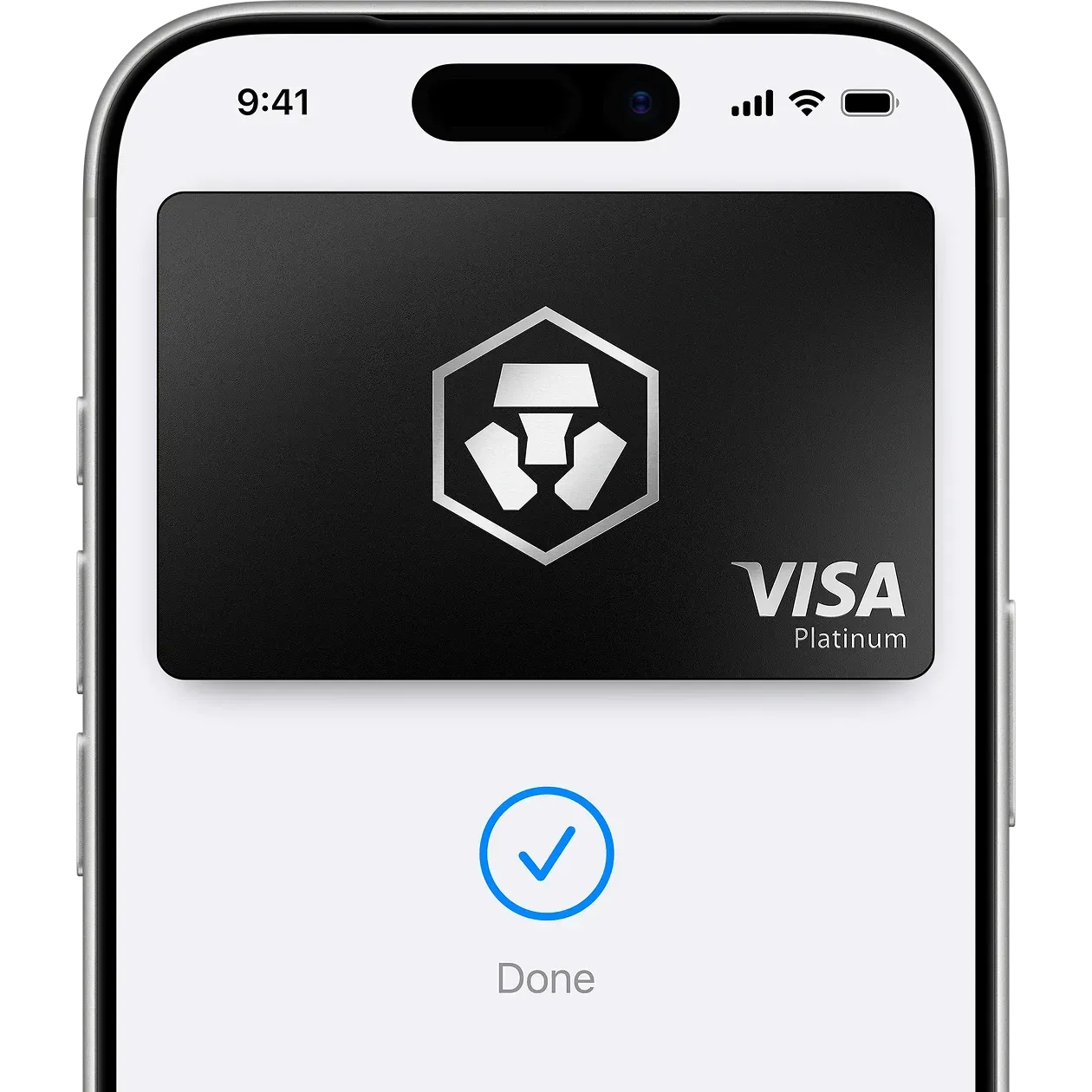
An easy, secure and private way to pay.
Apple Pay lets you make purchases with your Crypto.com Prepaid Card using any Apple device - just like you would with your physical card - in stores, online and in apps.
Apple Pay lets you make purchases with your Crypto.com Prepaid Card using any Apple device - just like you would with your physical card - in stores, online and in apps.

Apple Pay is built into iPhone, Apple Watch, Mac, iPad and Apple Vision Pro. If you add your Crypto.com Prepaid Card to Apple Wallet on iPhone, you’ll have the option to add it to your other Apple devices in one easy step.
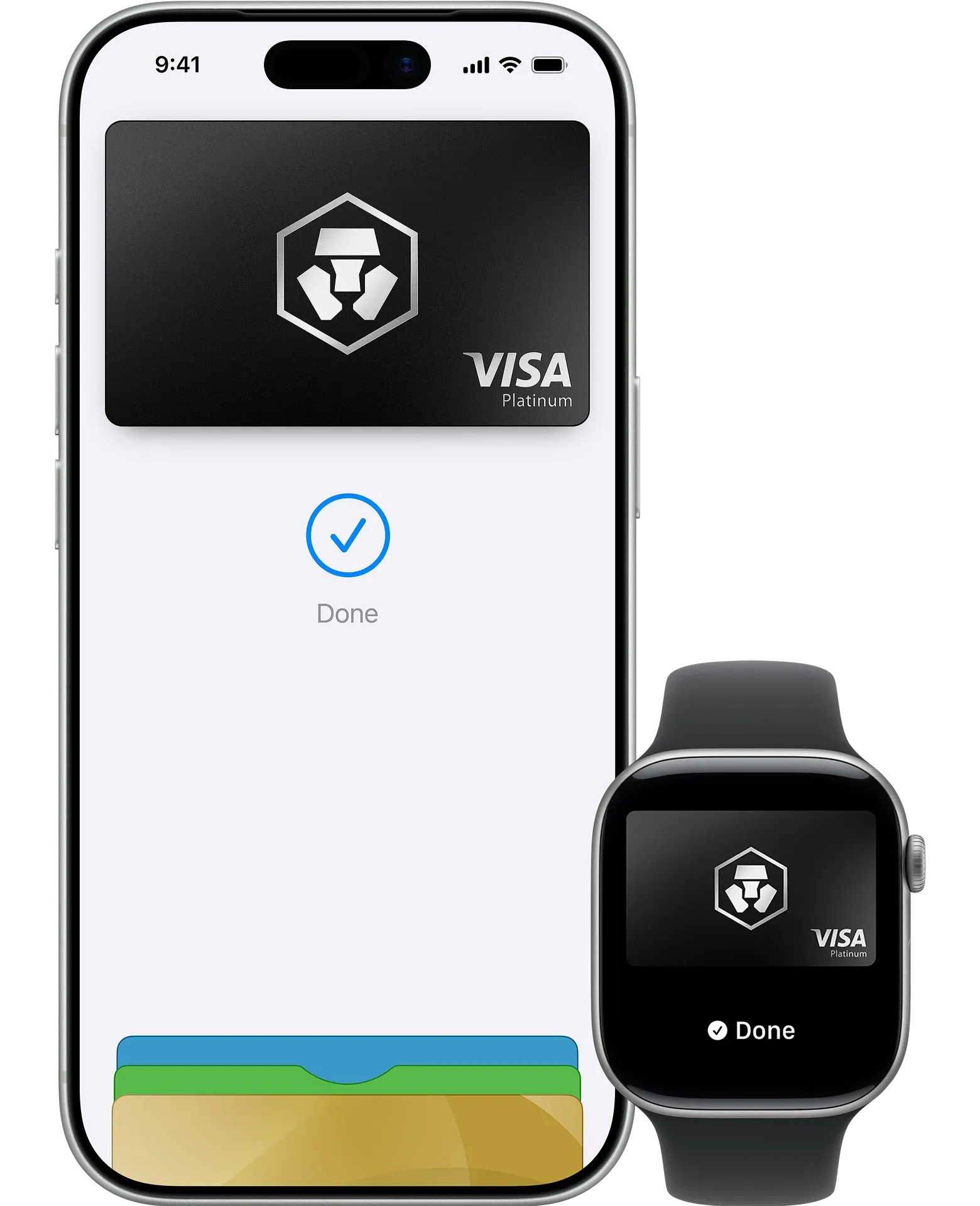

Apple Pay is accepted by millions of merchants around the world. Just look for Pay or the contactless payment symbol at checkout and pay with your Crypto.com Prepaid card. To check out with Apple Pay online or in apps, click the Pay button and scan the code that appears on screen with your iPhone.
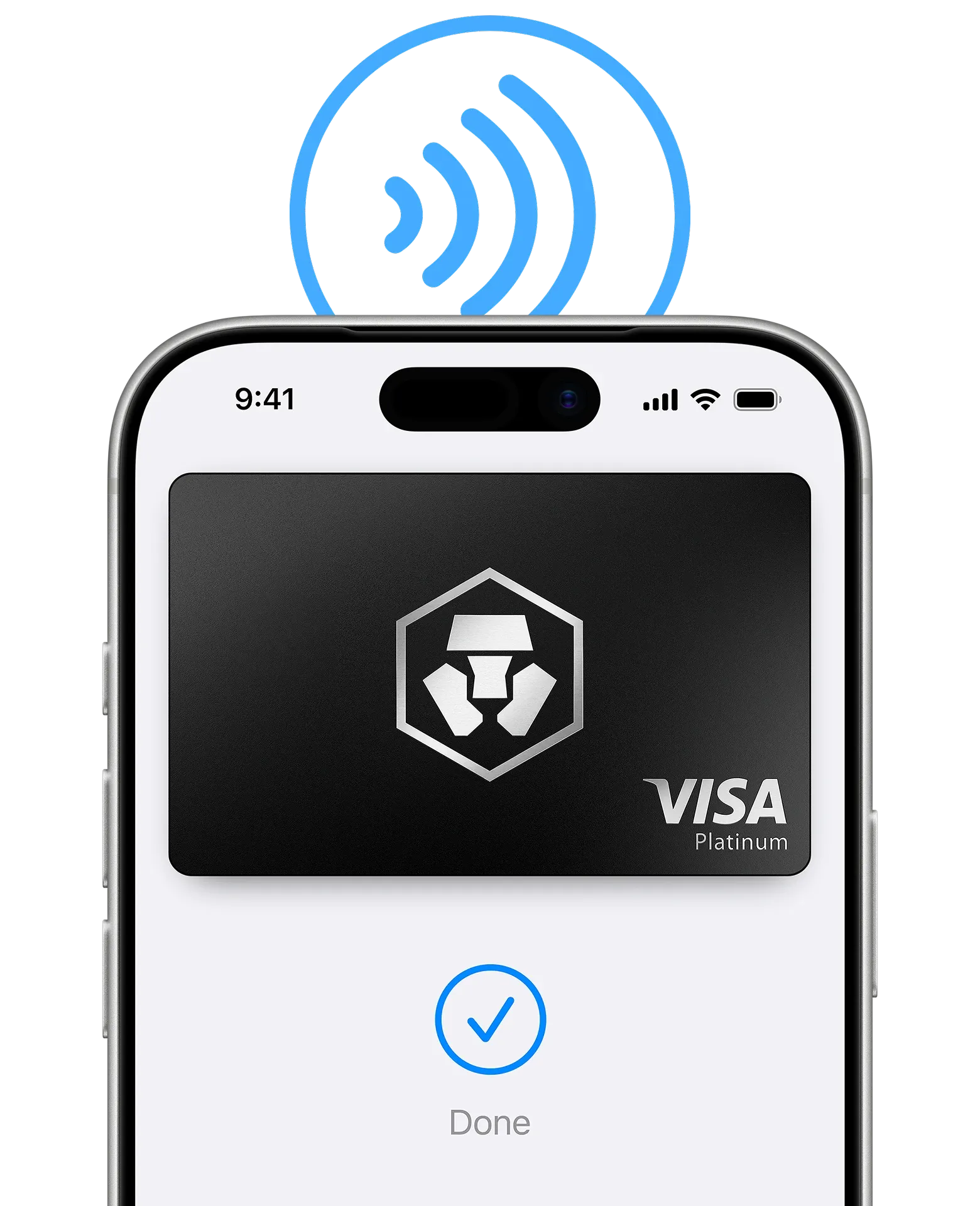

Apple Pay lets you skip entering your address or CVV code at checkout — so you can pay with your Crypto.com Prepaid Card with a single glance or touch.
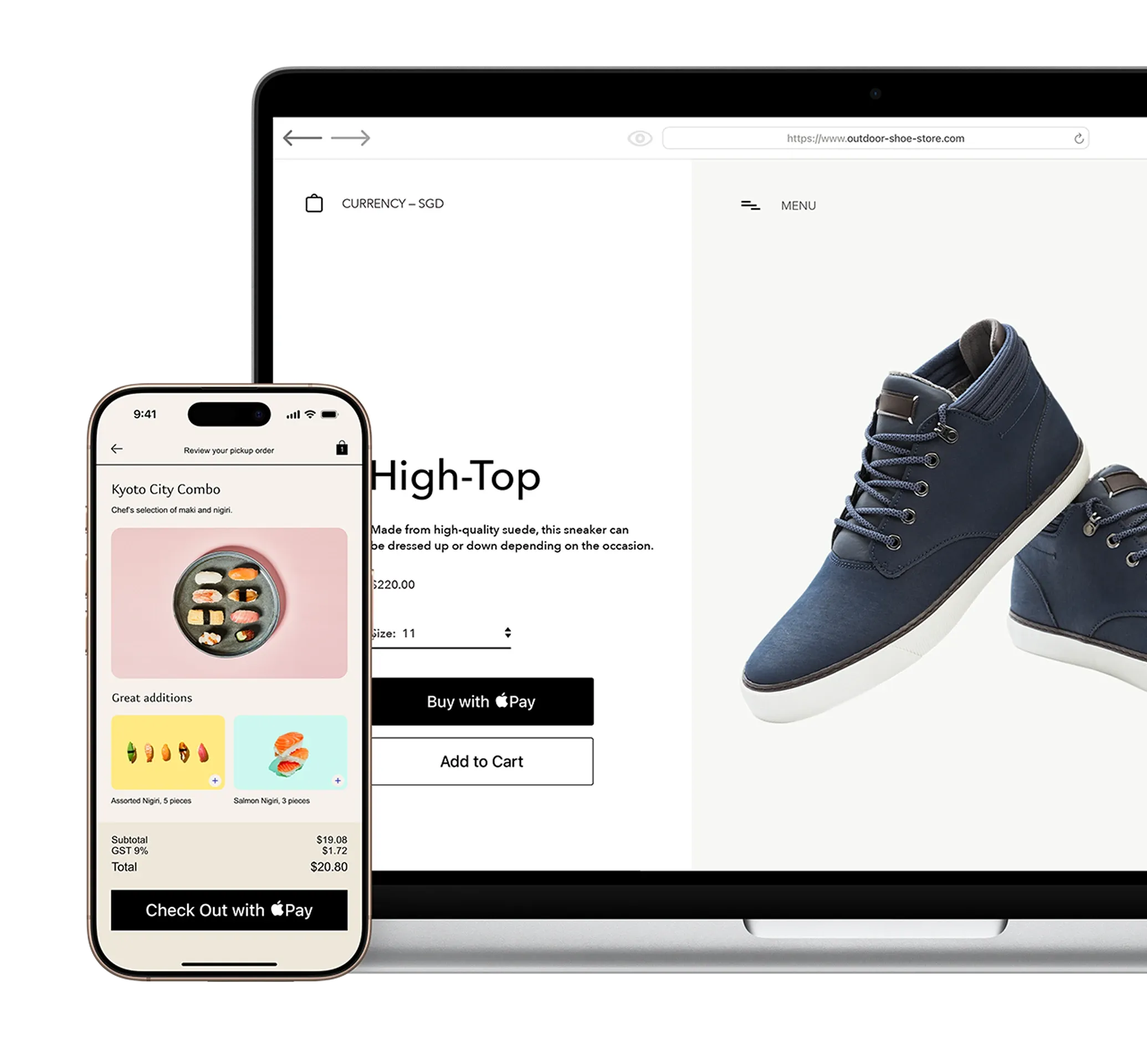

Every Apple Pay transaction requires authentication through your device’s built-in security features — including Face ID, Touch ID, and your passcode. Your card number is never shared with merchants or stored on Apple servers. And if you misplace your iPhone, you can quickly mark it as lost on Find My to suspend your Crypto.com card.
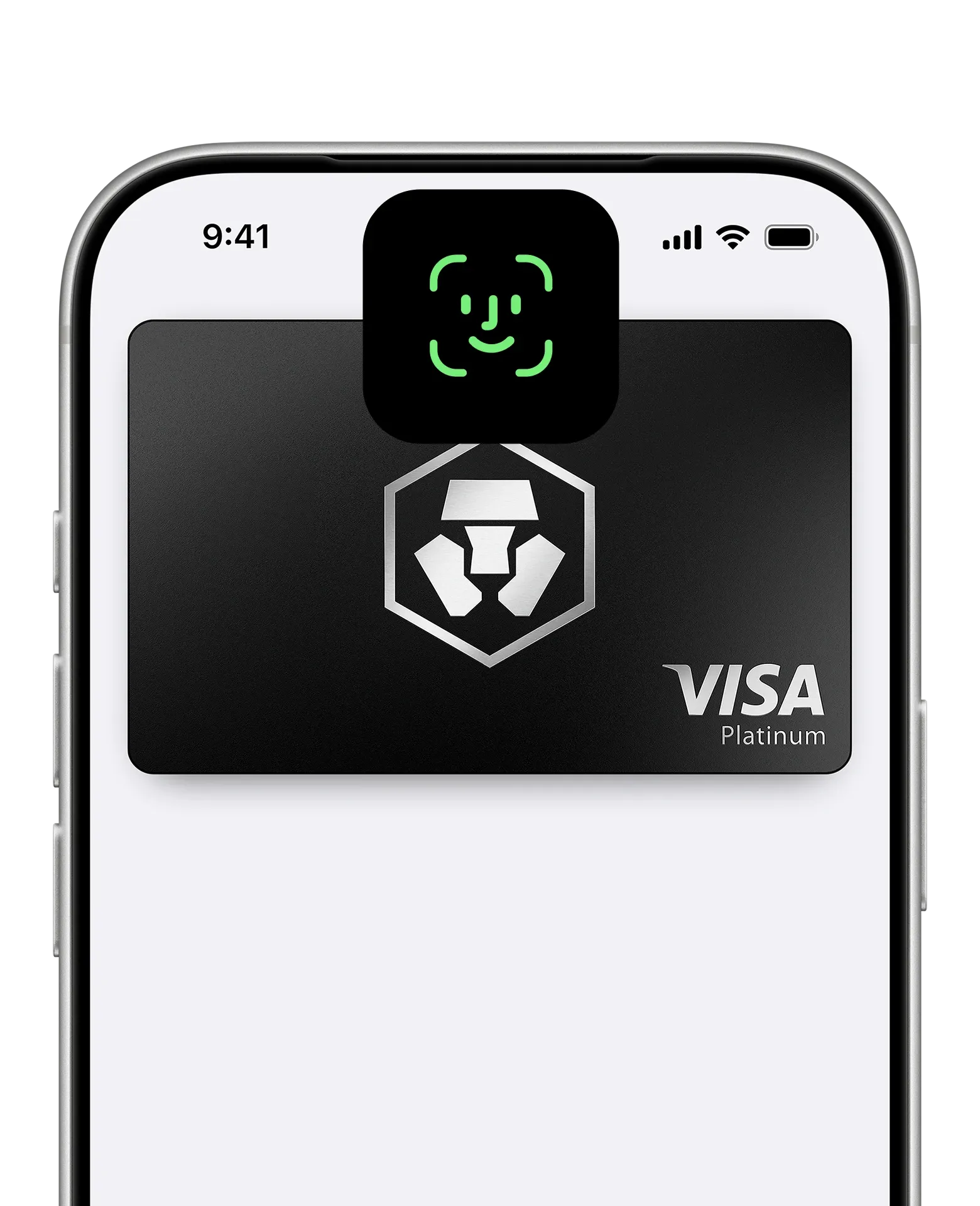
Open Apple Wallet on your iPhone.
Tap the Add (+) button, then tap Debit or Credit Card.
Follow the steps on the screen to add a new card.

When you use your Crypto.com Prepaid Card with Apple Pay, you’ll get the benefits and rewards you love
— just like you would with your physical card.
Disclaimer
The new USD-denominated Crypto.com Visa Card will be issued and promoted by Foris MT Limited pursuant to its Visa Principal Member (Issuing) license. Foris MT Limited is a limited liability company incorporated in Malta, with company registration number: C 90348 and registered office at Level 7, Spinola Park, Triq Mikiel Ang Borg, SPK 1000, St. Julians, Malta, duly authorised by the Malta Financial Services Authority as a Financial Institutions licenced to issue electronic money under the 3rd Schedule to the Financial Institutions Act (Electronic Money Institutions). Should you choose to apply for the new USD Card, you understand and agree that i) the issuer of the USD Card is a foreign entity, (ii) the USD Card is intended to be used outside of Brazil, and (iii) the USD Card may be funded only by means of a foreign exchange or using funds held abroad by you.
Apple Pay in More Browsers: Available to participating merchants on compatible browsers requiring WebSocket support. This feature is not available in all markets.
Apple Pay is a service provided by Apple Payments Services LLC, a subsidiary of Apple Inc. Neither Apple nor Apple Payments Services LLC is a bank. Any card used in Apple Pay is offered by your card issuer.
To use Apple Pay, you need a supported card from a participating card issuer. To check if your card is compatible with Apple Pay, contact your card issuer.
Apple Pay is not available in all markets. See apple.com/sg/ios/feature-availability/#apple-pay for more information.
Features subject to change. Some features, applications and services may not be available in all regions or languages and may require specific hardware and software. See apple.com/sg/ios/feature-availability/#apple-pay for more information.