Staring at an ID upload prompt? Here's what KYC actually checks, which documents you'll need, how long it takes and how to fix a rejected verification.

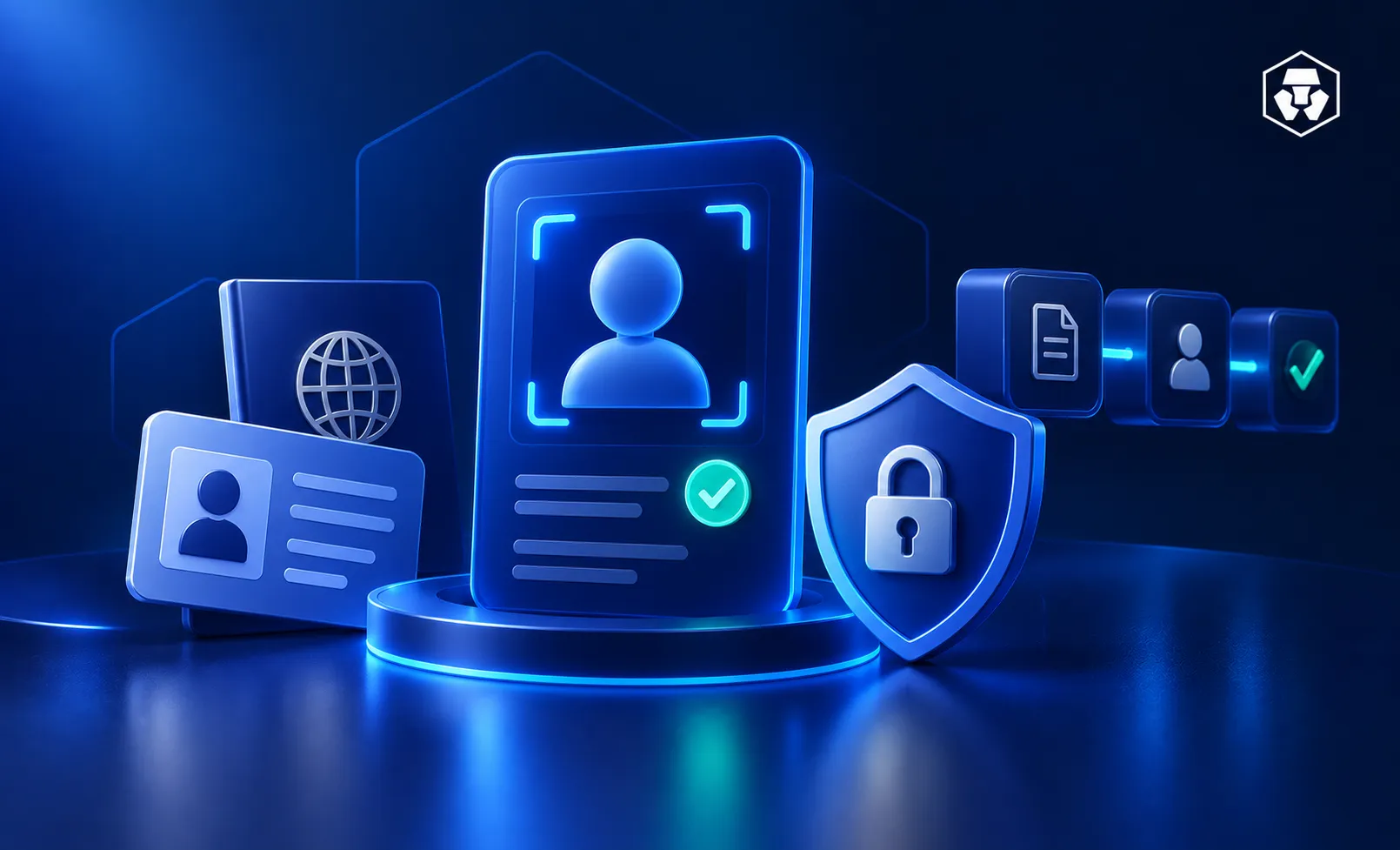
Setting up a crypto account almost always starts with a step called KYC. If you're staring at a request to photograph your ID and take a selfie, this guide explains what's happening, what documents you'll need, how long the process can take and what to do if something goes wrong.
KYC, short for ‘Know Your Customer’, is the identity check crypto platforms run before you get full account access.
Plainly put: it's how they confirm you're really you.
Anti-Money Laundering (AML) rules are usually the reason why KYC is needed. It’s to prevent platforms from being used to launder money or fund other crimes.
What you're asked for depends on where you are. One platform might want just a government ID; another adds a passport, proof of address or a biometric scan.
If a friend in another country breezes through a step that trips you up, that's normal.
Does setting up a crypto wallet require KYC too? Usually not, if it's a self-custody wallet you control yourself.
No company is holding your funds or your data, so there's no one to verify you with.
KYC shows up once you're on a platform like an exchange, where a company is safeguarding assets or facilitating trades on your behalf.
That's why most people first run into KYC buying crypto through an exchange.
Identity checks aren't something platforms invent for fun. They sit on top of a wider set of international and national standards.
At the international level, there's the Financial Action Task Force (FATF), an intergovernmental body that sets global standards against money laundering and terrorist financing. It publishes specific guidance for crypto platforms and it shapes how many of them design their compliance processes.
In the United States, there's a national layer too.
US FinCEN guidance spells out how Bank Secrecy Act rules apply to money services businesses working with convertible virtual currency. What applies to you depends on the specific business activity involved. The rules aren't one-size-fits-all.
Verification also imposes limits on what you can do with your account. In the US, the usual order is: create an App account, verify your identity with a US government-issued ID, then link a payment method and buy.
You can browse beforehand, but funding and purchases wait until your identity is confirmed.
Verification pays off later, too. For certain account-change requests, the customer support team may ask for extra authentication, like a readable ID and a short face video through a secure link. Having verified records on file lets them confirm it's really you before making sensitive changes.
Here's what you'll generally be asked to provide. Requirements vary by region.
During App registration, you'll provide your full legal name, submit a photo of a government-issued ID, and take a selfie.
Primary identity document
A passport is the preferred document; where you don't have one, a national ID card or driver's license usually works. US citizens and residents are the exception: you'll need a state-issued driver's license or state ID instead of a passport.
Proof of address
Some verification levels ask you to confirm where you live. Accepted documents:
Document | Notes |
Utility bill | Issued within the last 6 months (3 months for UK and Turkey) |
Bank, financial institution, or insurer statement | Subject to formatting requirements |
Government department/agency correspondence, or a valid government ID | Also accepted |
Check the date on your document before uploading; an older bill may be rejected. When photographing it, keep all four corners visible, don't alter anything besides masking account or card numbers, and shoot in portrait orientation.
You'll also complete a quick live selfie. The full steps are covered below.
A quick history note: Crypto.com's Exchange used to have 'Starter' and 'Advanced' verification levels, from a 2020 policy update. That's a legacy Exchange structure, not the current App tier system.
Limits aren't universal, either. Deposit and withdrawal thresholds depend on your jurisdiction, so what applies in one country may not apply in another. The limits shown on your account screen are the ones that apply to you.
If a feature or level isn't available where you are, that's usually regional rules at work, not anything you've done wrong.
App KYC verification is handled case by case and can take anywhere from a few hours to a couple of business days. There's no single guaranteed clock, so it helps to submit as early as you can.
Several things can move that timeline. Verification processing time can vary depending on factors such as country of application, nationality and the quality of submitted photos.
Clear, well-lit photos are one of the few parts of the equation you fully control, which is why the capture tips later in this guide may come in handy.
If your status appears stuck, there's usually an option to contact support through the in-app chat. Reaching out earlier usually won't speed things up; but past that point, it's the right move.
The good news: these are usually easy to fix on a second attempt.
Photo capture checklist
If a scan doesn't work
You're not locked out after one failed attempt. Tap 'Resubmit,' or switch to manual upload if automated scanning isn't working. After two failed automated (eID) attempts, you'll move to manual ID scan automatically.
If your status stays pending
A pending status usually just means your submission is still under review. No change after three business days? Contact support through the in-app chat or Crypto.com Chat Support.
A safety note while troubleshooting
Be cautious about what you share and with whom. Crypto.com won't ask for unrequested personal information; only send documents support specifically asks for. Anyone requesting more than that is a red flag.
You can complete identity verification directly within the Crypto.com App. The exact screen labels may vary, but the flow generally follows these steps.
Handing over ID documents naturally raises questions about where that information goes.
Based on Crypto.com's privacy notice, verification data includes your ID documents, national ID cards, passports, driver's licenses, plus a face scan, if you consent to it. That biometric data may be processed by Crypto.com directly or by identity-verification vendors.
Crypto.com encrypts data in transit and uses institutional-grade security measures against unauthorized access. That's not the same as never sharing it, though: personal information can still be disclosed to certain third parties where the law requires it.
One firmer promise applies specifically to biometrics: your data won’t be sold, leased, traded or profited from in any way.
However, that commitment doesn't extend to the rest of your verification information, so it's worth knowing the difference.
Worth doing on your end, too: turn on two-factor authentication. It adds a second lock between your credentials and anyone trying to get into your account without permission, on top of the identity checks covered here.
What does KYC stand for in crypto?
KYC (‘Know Your Customer’) is the identity-verification process crypto platforms run to confirm who you are. It's the check that comes before full account access.
What documents do I need for crypto KYC verification?
You'll provide your full legal name and a government-issued ID, plus a selfie. A passport is preferred; a national ID card or driver's license usually works where a passport isn't available. US citizens and residents need a state-issued driver's license or state ID instead. Some levels also ask for proof of address, such as a utility bill or a statement from a bank, financial institution or authorized insurer.
How long does crypto.com verification take?
App KYC verification is handled case by case and can take anywhere from a few hours to a couple of business days. Processing time can vary depending on factors such as country of application, nationality, and the quality of submitted photos.
Why is my crypto verification pending?
A pending status usually just means your submission is still under review. If it hasn't changed within three business days, contact support through the in-app chat. If an automated scan failed, tap 'Resubmit' or switch to manual upload.
Can I buy crypto without completing KYC?
Not really. In the US, you create an App account and verify your identity with a US government-issued ID before you can link a payment method and buy. Verification comes first.
Is my personal data safe during identity verification?
Crypto.com's privacy notice describes encrypted data transmission and commercially reasonable security measures designed to protect against unauthorized access. Crypto.com also states it does not sell, lease, trade, or otherwise profit from biometric data, a commitment specific to biometric data rather than all verification information.
Why was my document upload rejected?
Uploads are often rejected due to photo quality. Recommended capture practices include using a well-lit environment, keeping all four document corners visible, avoiding reflections, and turning off the phone's flashlight. It also helps to clean the camera lens, hold the phone steady, and confirm the text is legible before submitting.
What should I do if my legal name is changed?
For certain account-change requests, customer support may require additional authentication, such as a readable ID and a short face video submitted through a secure link; this differs from the standard signup selfie. Reach out through support to confirm what's needed for your specific situation, and only send documents that are actually requested.
Important information:
This article is for informational purposes only and should not be construed as financial or investment advice. Trading cryptocurrencies involves risks, including price volatility and market risk. Past performance may not indicate future results. There is no assurance of future profitability. Before deciding to trade cryptocurrencies, consider your risk tolerance.
Services, features, and other benefits referenced in this article may be subject to eligibility requirements and may not be available in all markets. They may also be subject to change at the discretion of Crypto.com.




