What are Chainlink and LINK?
Chainlink is an oracle platform. Put simply, oracles help smart contracts connect with information or systems outside a blockchain, such as data feeds and other offchain resources. The Chainlink Network is made up of decentralised oracle networks that use the Chainlink protocol.
LINK is the native digital asset of the Chainlink Network. It is used as the standard unit of payment for Chainlink services, and node operators can earn LINK for helping facilitate those services.
How to trade Chainlink in Australia
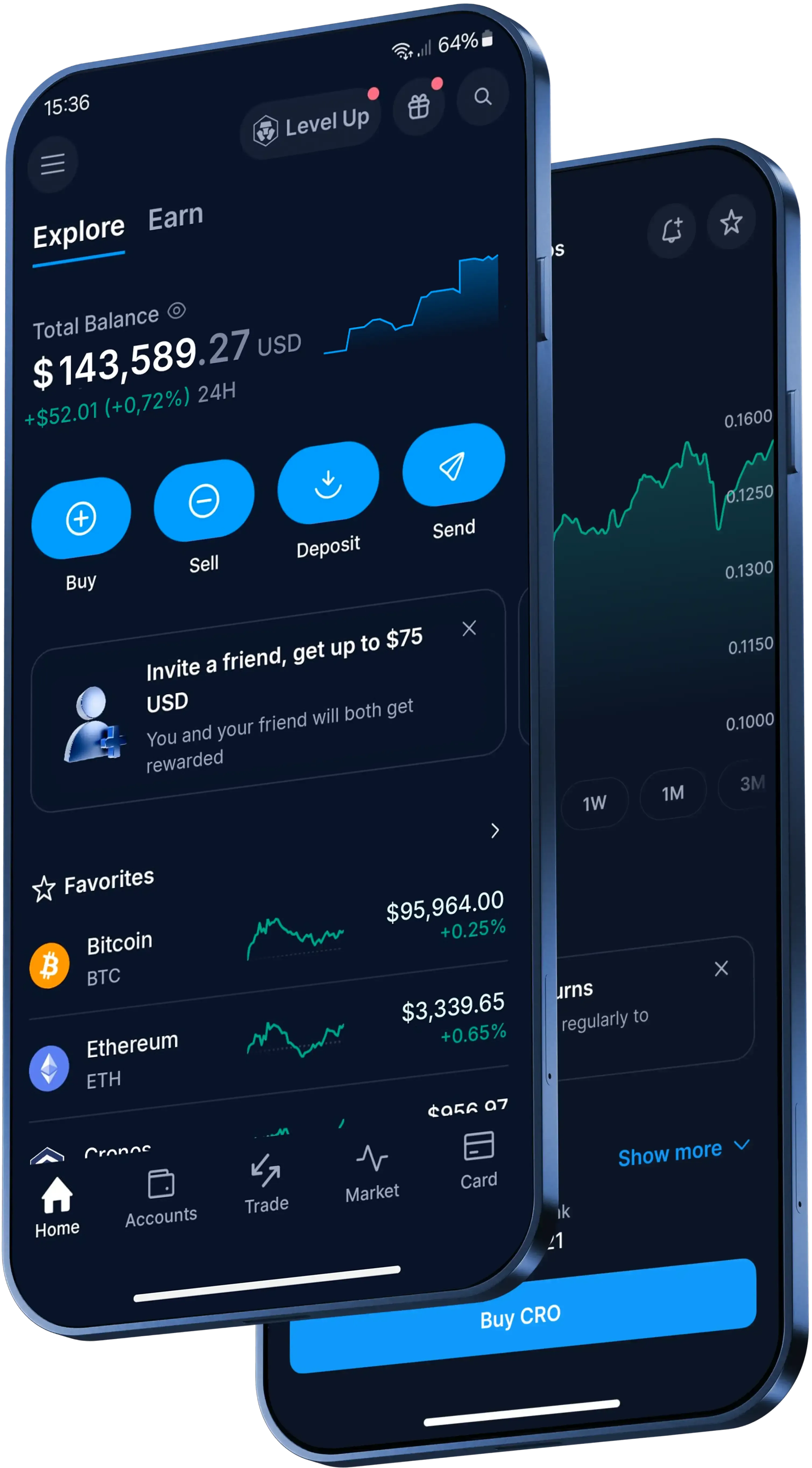
In the Crypto.com App, here is the basic flow:
- Download the Crypto.com App and complete identity verification.
- Fund your account with Australian dollars (AUD) or existing crypto.
- Head to the trading interface and select Chainlink.
- Choose an available trading pair.
- Review the details and confirm the transaction when you're ready.
For a One-Time order in the App, the quoted conversion rate is valid for 15 seconds. If you don't confirm within that time, the rate refreshes.
Which payment methods can you use for a Chainlink trade?
You can fund your account for free via PayID, or use a debit or credit card (Visa or Mastercard), Apple Pay or Google Pay. Availability depends on your circumstances, so check the payment methods shown in the App before confirming.
If you're funding with existing crypto, choose a trading pair that's available for Chainlink in the App.
What limits, fees and risks should you check?
For One-Time orders in the App, the minimum buy or sell amount is AUD 20.
Through Level Up, zero trading fees are available up to the transaction limit specified per Level Up tier. Other transaction fees and spread may apply.
Check the App for current fees and spread before confirming. Crypto assets are inherently risky, and high volatility can significantly affect the value of your holdings.