What are Cardano and ADA?
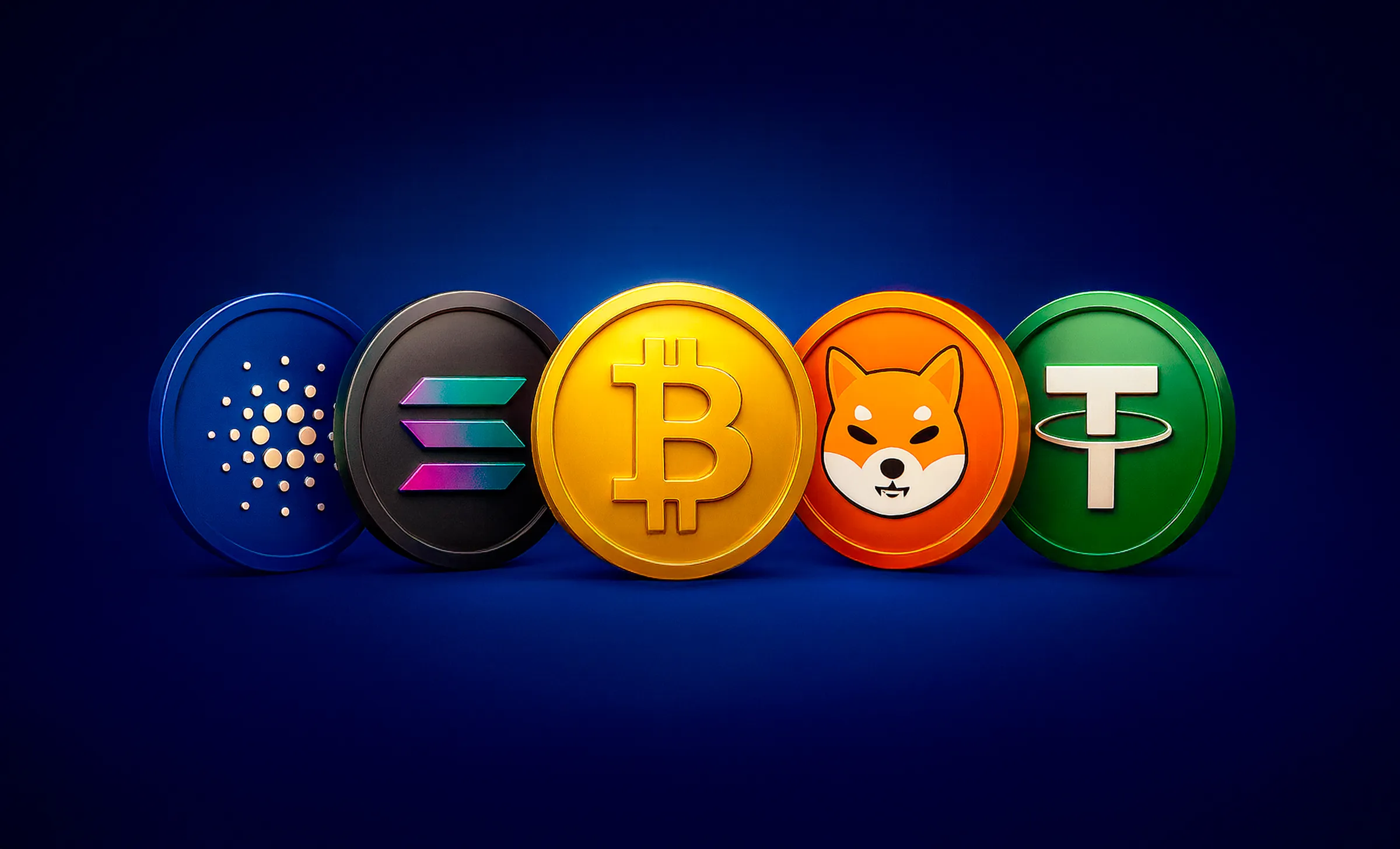
Cardano is a public proof-of-stake blockchain. Its cryptocurrency is ADA. The names are often used interchangeably, but when you trade Cardano on a platform, the asset you're trading is ADA.
ADA is used on the Cardano network to pay transaction fees and to pay for services in applications built on Cardano. Cardano also supports smart contracts, which are programs that run on a blockchain.
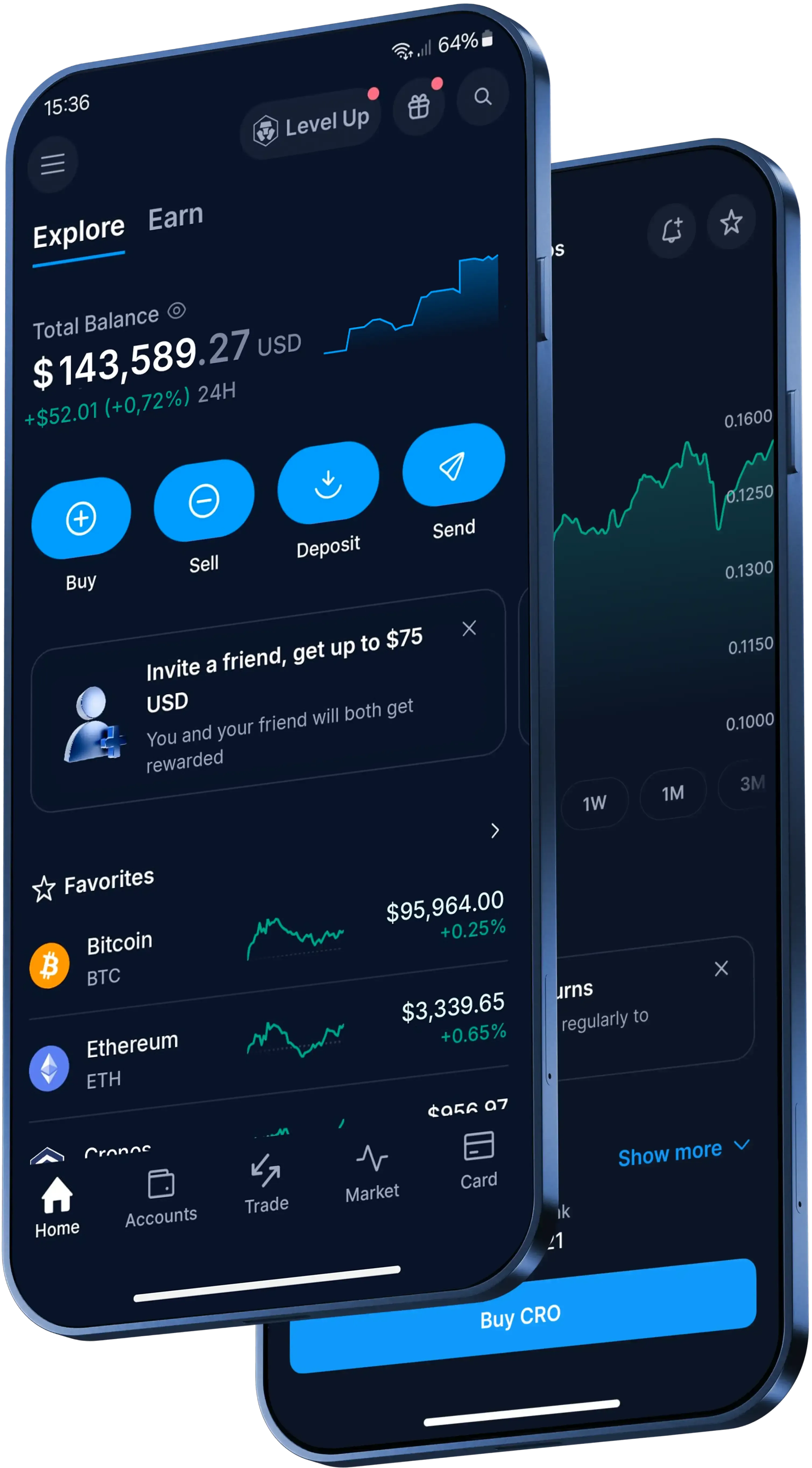
How to trade Cardano in the Crypto.com App
Here's the basic flow in the Crypto.com App:
- Download the App and complete identity verification.
- Add funds to your account.
- Open the trading interface and select Cardano.
- Choose your trading pair, check the details and confirm the transaction if everything looks right.
Ways to fund a Cardano trade
Before you trade Cardano, you'll need supported funds in your account. You can deposit Australian dollars using PayID, a debit or credit card (Visa or Mastercard), Apple Pay or Google Pay, or transfer existing crypto into your account. PayID deposits are free on Crypto.com.
If you transfer crypto into the App, make sure the token and receiving address are supported before you send. Trying to deposit an unsupported token may lead to the loss of your tokens, and crypto transactions can't be reversed.
Cardano trading costs and outcomes to review
Before you confirm a Cardano trade, check the App for the current fee schedule and spread. Other transaction fees and spread may apply, so go over the transaction details before you confirm.
If you convert Cardano into fiat or another token, the asset you receive can be stored in your wallet in the App. Crypto assets are inherently risky, and high volatility can significantly affect the value of your holdings.