What is Bitcoin?
Bitcoin is a decentralised peer-to-peer payment network and a form of digital money. Put simply, it lets people send value over the internet without a central authority, bank or other middleman.
Behind the scenes, Bitcoin runs on a blockchain: a ledger shared across the network that records Bitcoin transactions.
How can you trade Bitcoin in the Crypto.com App?
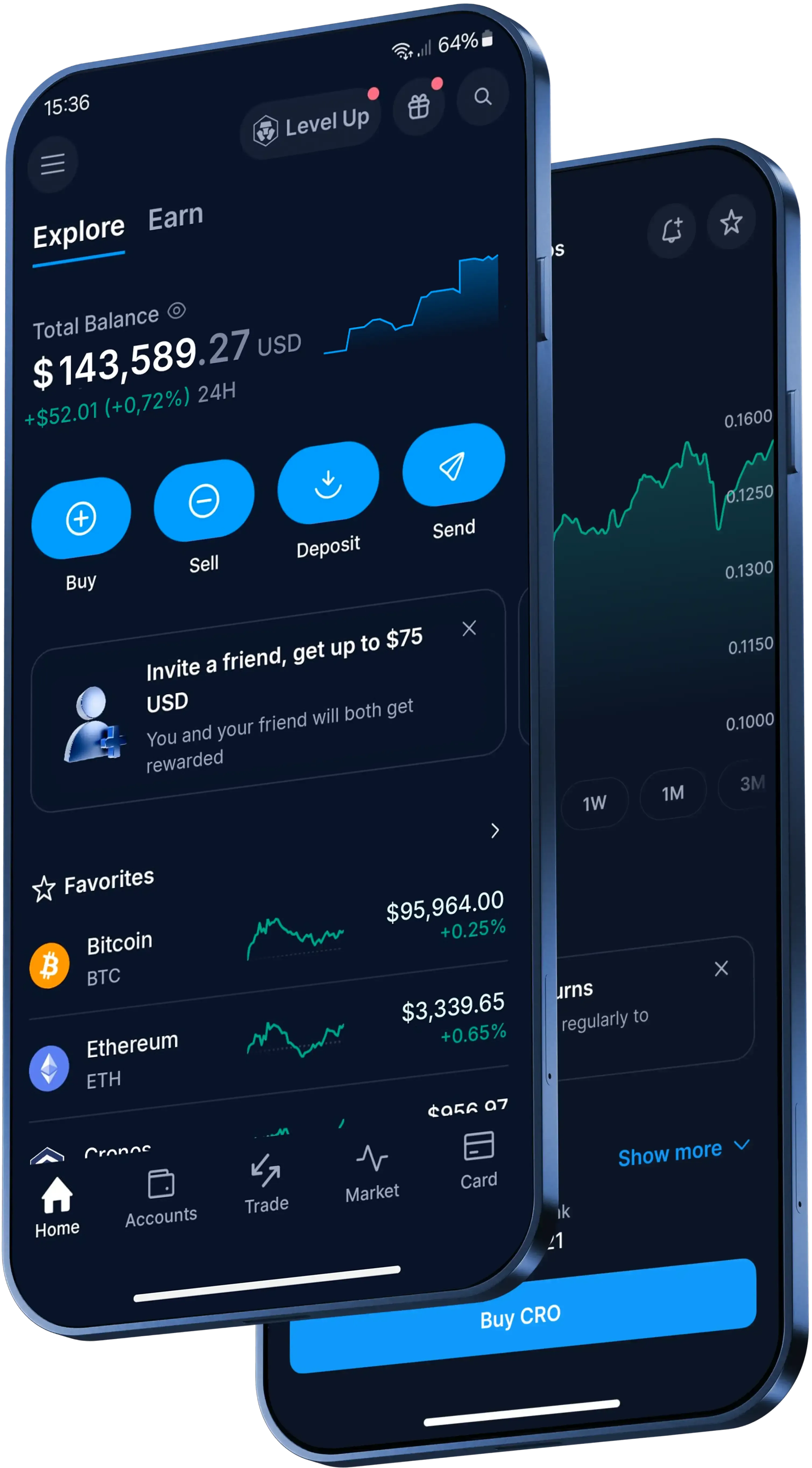
In the Crypto.com App, the basic trading flow is:
- Download the App and complete identity verification.
- Fund your account.
- Open the trading interface, select Bitcoin, choose your trading pair and confirm the transaction.
How can you fund a Bitcoin trade?
Before trading, you can fund your account with Australian dollars (AUD) or transfer existing crypto into your account. You can deposit AUD for free via PayID, or use a debit or credit card (Visa or Mastercard), Apple Pay or Google Pay.
If you deposit crypto into the App from an external wallet, use the deposit details shown in the App and check that the asset and chain are supported. If it's your first crypto deposit, it's worth sending a small amount first once you've confirmed compatibility. Unsupported-chain deposits cannot be credited or refunded.
For BRC20 tokens, use the newly generated Taproot address starting with bc1p; Bitcoin Ordinals, including BRC20 tokens, deposited to a BTC address starting with '3' may not be recoverable.
What should you review before confirming a Bitcoin trade?
Review the trading pair, current fee schedule and spread in the App before you confirm. Through Level Up, zero trading fees are available up to the transaction limit specified per Level Up tier. Other transaction fees and spread may apply.
Crypto assets are inherently risky and high volatility can significantly affect the value of your holdings.