What is XRP?
XRP is the native asset of the XRP Ledger, a decentralised public blockchain. It was built for digital payments. On the XRP Ledger, XRP also helps protect the ledger from spam and can bridge currencies on its decentralised exchange when it benefits users.
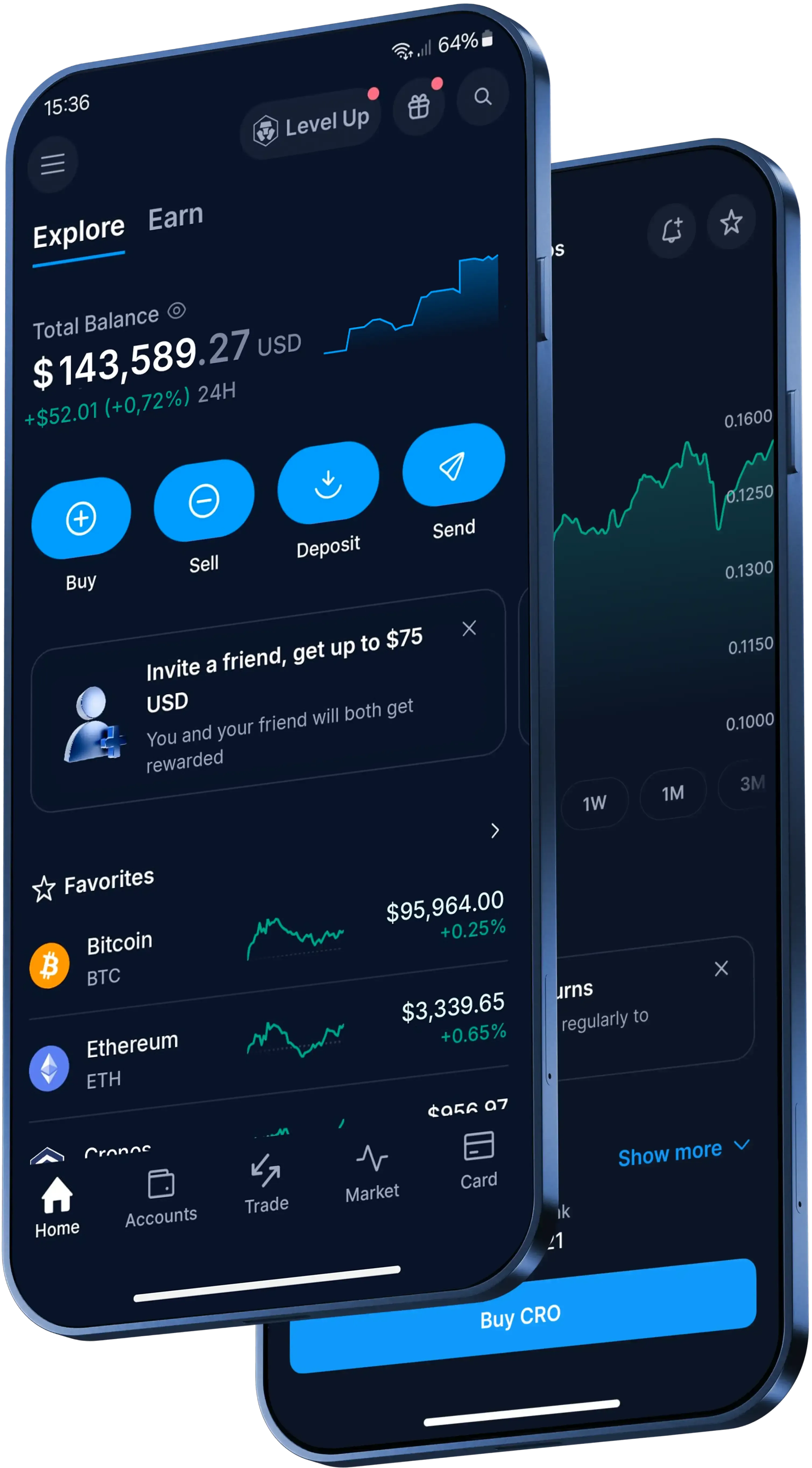
How to send XRP in the Crypto.com App
In the Crypto.com App, here's the basic flow:
- Open the App, go to 'Accounts', tap 'Crypto Wallet' and find your XRP balance.
- Tap 'Transfer', then 'Withdraw'.
- Choose 'Crypto.com Users' to send to another App user, or 'External Wallet' for an outside address.
- Enter the amount, check the network details and confirm with your preferred protection method, such as two-factor authentication (2FA).
What does it cost to send XRP?
It depends on the route. Transfers to another Crypto.com App user are instant and free of charge. Other fees, spreads or transfer limits may apply.
If you withdraw XRP to an external wallet, standard network withdrawal fees apply. Check the transaction details and network costs in the App before you confirm.
What should you check before sending XRP externally?
For an external XRP transfer, you'll need the recipient's exact public address. Some centralised exchanges or wallets also require a destination tag: a numbers-only field that identifies the recipient beyond the wallet address.
If you send XRP without a required destination tag, the funds may be lost or you may have to pay an extra fee to retrieve them. Confirmed blockchain transfers can't be cancelled or reversed, so double-check the address, destination tag and network before you confirm.
Before sending to a new external address, add it to your withdrawal whitelist in the App and verify the addition using your preferred protection method.