What is Wrapped Bitcoin (WBTC)?
Wrapped Bitcoin (WBTC) is an Ethereum-compatible token backed 1:1 by bitcoin held in reserve. It was created so that bitcoin-linked value can be used in Ethereum's decentralised finance (DeFi) apps, since native bitcoin does not run the smart contracts those apps rely on.
When you send WBTC, double-check the recipient address and network before you confirm.
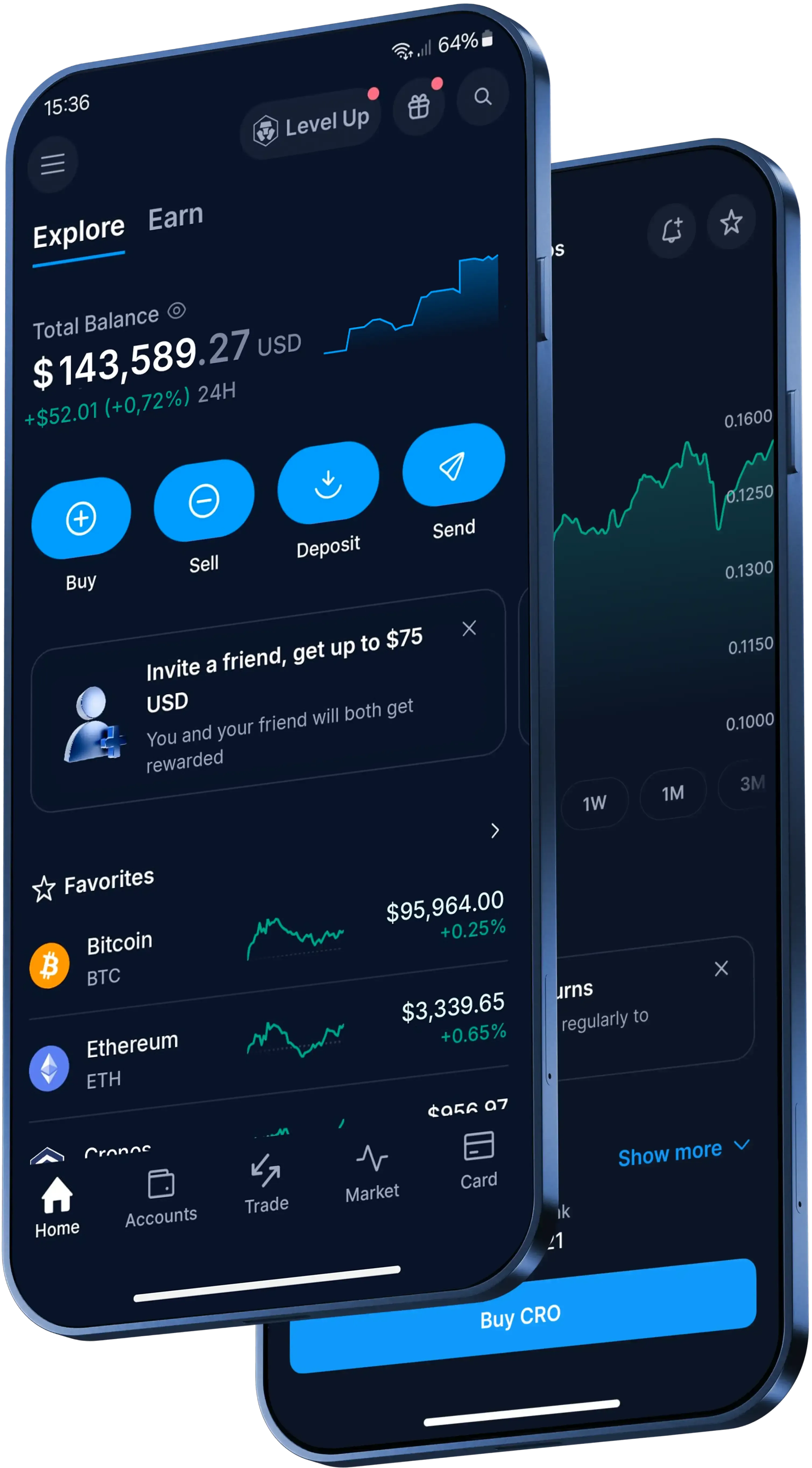
How to send Wrapped Bitcoin in the Crypto.com App
- Open the Crypto.com App, go to 'Accounts', tap 'Crypto Wallet' and find your WBTC balance.
- Select 'Transfer', then 'Withdraw'.
- Choose 'Crypto.com Users' to send to another App user, or 'External Wallet' to send to a supported outside address.
- Enter the amount, check the recipient and network details, then verify the withdrawal with two-factor authentication (2FA) or another available protection method.
What does it cost to send Wrapped Bitcoin?
Transfers to another Crypto.com App user are free of charge. Other fees, spreads or transfer limits may apply.
If you withdraw WBTC to an external wallet, standard network withdrawal fees apply. Review the transaction details and network costs in the App before you confirm. You'll find the relevant withdrawal fee in the 'Fees & Limits' section of the App's Settings.
Can Wrapped Bitcoin transfers be reversed?
No. Once a blockchain transfer is authorised and confirmed on the network, it can't be cancelled or reversed.
For Send transfers to other App users, completed transfers can't be reversed and Crypto.com can't undo or recover the crypto. Confirm the recipient's email address or phone number, including the country code, before you send.
For a new external address, the App requires withdrawal address whitelisting. A 24-hour withdrawal lock can apply to a newly added address if you've turned on that feature.