

What is USDS?
USDS is the native stablecoin of Sky Protocol. It is issued through the protocol and governed by SKY token holders, with backing that can be verified onchain.
USDS is commonly described as a stablecoin because it is designed to stay close to US$1. Although the term "stablecoin" is commonly used, there is no guarantee that the asset will maintain a stable value in relation to the value of the reference asset when traded on secondary markets or that the reserve of assets, if there is one, will be adequate to satisfy all redemptions.
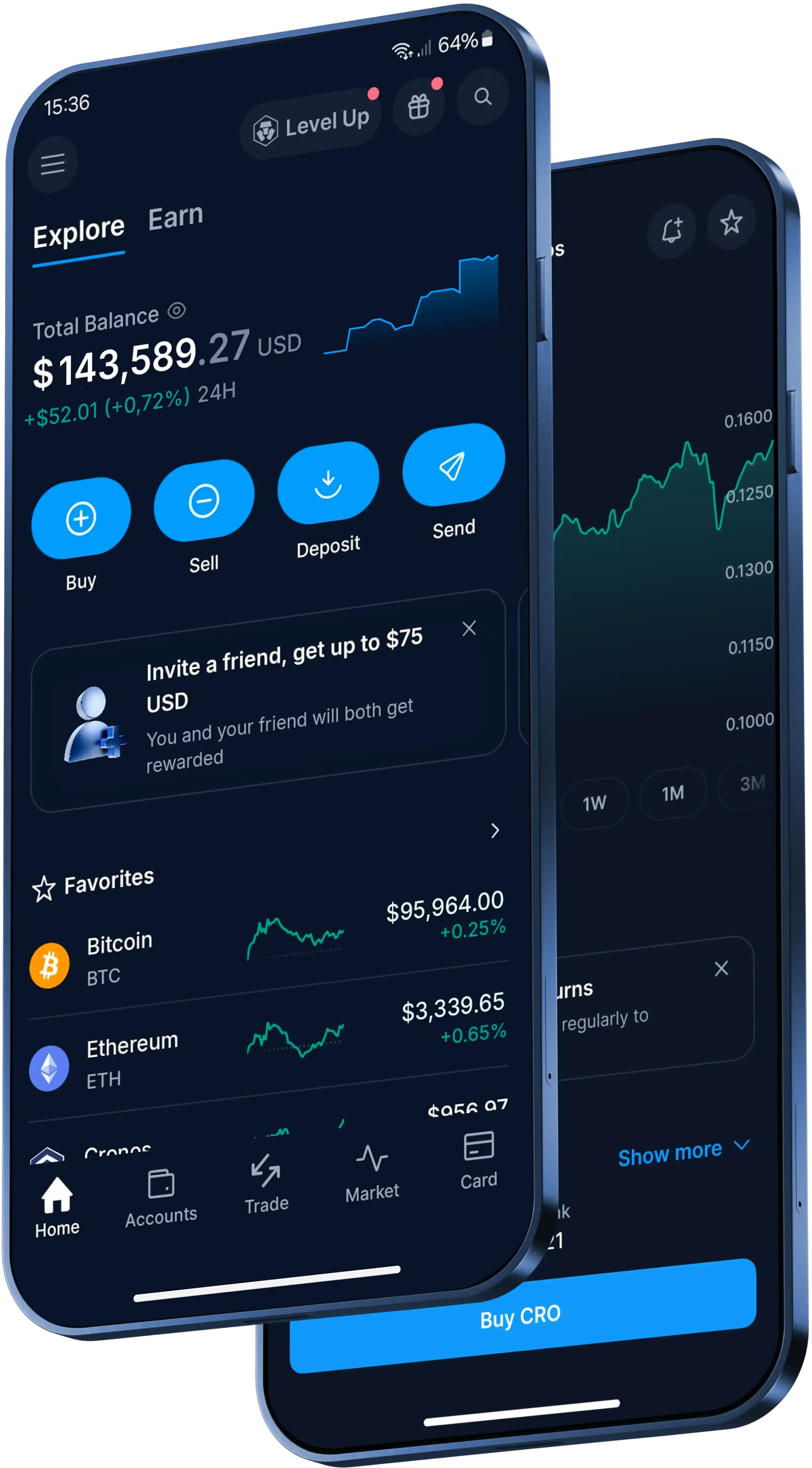
How to send USDS in the Crypto.com App
Here's the basic flow in the Crypto.com App:
- Go to 'Accounts', tap 'Crypto Wallet' and find your USDS balance.
- Tap 'Transfer', then 'Withdraw'.
- Choose 'Crypto.com Users' to send to another App user, or 'External Wallet' for an outside address.
- Enter the USDS amount, check the network details and verify the withdrawal with two-factor authentication (2FA) or another available protection method.
If you're sending to a new external address, add it to your approved whitelist and verify it before you send.
What can it cost to send USDS?
Sending USDS to another Crypto.com App user is instant and free. Other fees, spreads or transfer limits may apply.
Withdrawals to an external wallet can involve standard network withdrawal fees. Review the transaction details and any network costs in the App before you confirm.
Can you cancel or reverse a USDS transfer?
A blockchain transfer can't be cancelled or reversed once it's authorised and confirmed on the network. Double-check the recipient's address, network details and amount before you confirm.
For transfers to another App user, also check the recipient's email address or phone number, including the country code. A completed Send transfer is final and Crypto.com is unable to undo it.