What are Uniswap and UNI?
Uniswap is a decentralised exchange protocol built on Ethereum. Instead of order books, it uses automated market maker (AMM) smart contracts, so users can swap tokens, provide liquidity or create markets directly onchain.
UNI is the governance token of the Uniswap Protocol. UNI holders can vote on protocol decisions, including fee parameters and treasury allocations.
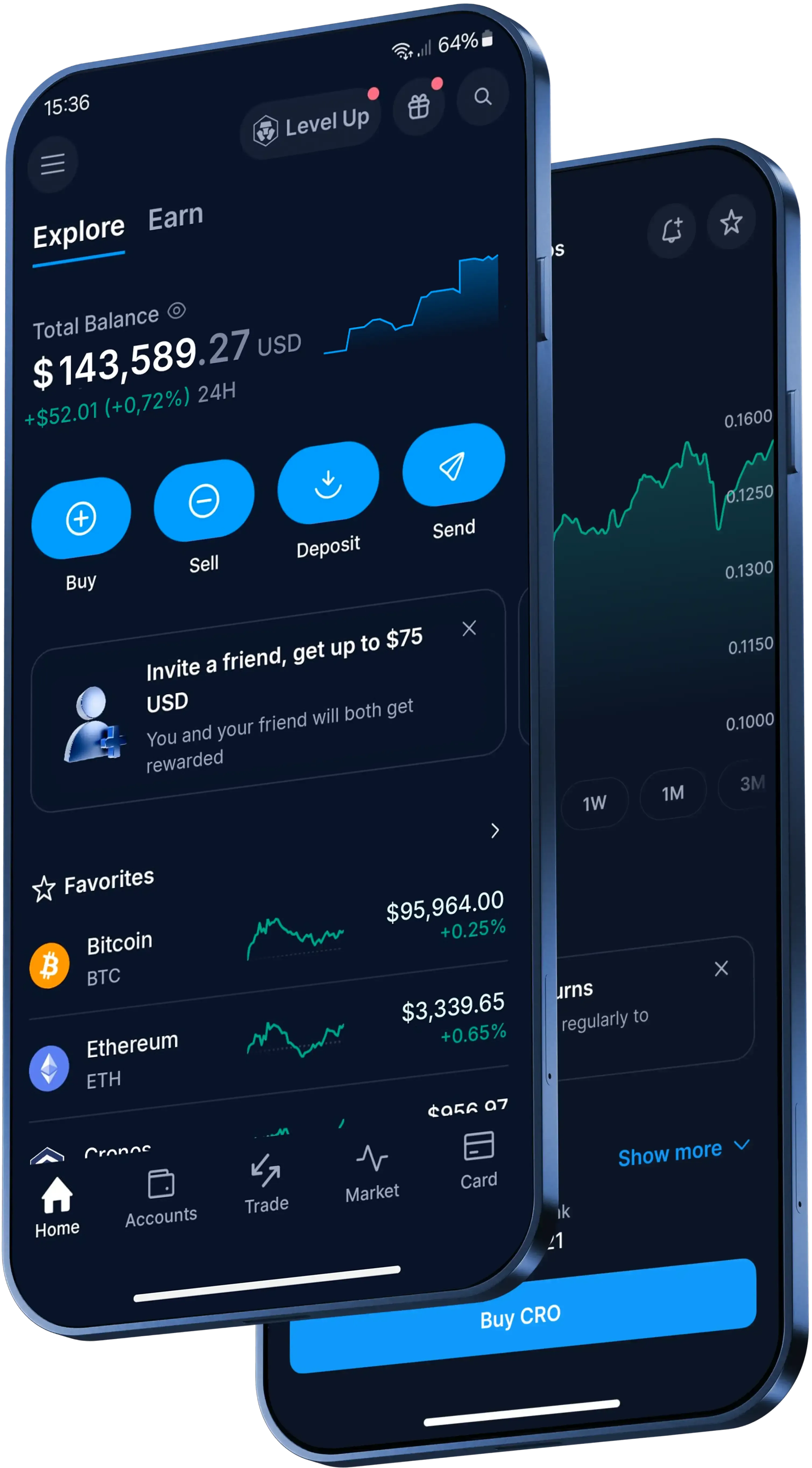
How to send Uniswap in the Crypto.com App
Here's the basic flow in the Crypto.com App:
- Open the App, go to 'Accounts', tap 'Crypto Wallet' and find your Uniswap balance.
- Tap 'Transfer', then 'Withdraw'.
- Choose 'Crypto.com Users' to send to another App user, or 'External Wallet' to send to an outside address.
- Enter the amount, check the network details and confirm with your preferred verification method, such as two-factor authentication (2FA).
What should you check before sending Uniswap?
For an external wallet, you'll need the exact receiving public address. Use a supported external address, check the network details and make sure the recipient information is correct before you submit the transfer.
If you're sending to a new external address for the first time, you'll need to add it to your withdrawal whitelist and verify the addition using your preferred protection method, such as 2FA.
What fees, timing and reversibility apply?
Sending Uniswap to another Crypto.com App user is instant and free of charge, provided the recipient is eligible. Other fees, spreads or transfer limits may apply.
If you withdraw Uniswap to an external wallet, standard network withdrawal fees apply. External transfer timing depends on how busy the blockchain network is at the time, so review the network costs and details in the App before confirming.
Completed Send transfers can't be reversed. For external blockchain transfers, once the transaction is authorised and confirmed on the network, it can't be cancelled or reversed.