What are Solana and SOL?
Solana is a high-performance network built for fast, low-cost digital transactions. It supports applications such as payments, games, digital art and financial services.
SOL is Solana's native currency. It is used to pay transaction fees and to take part in securing the network.
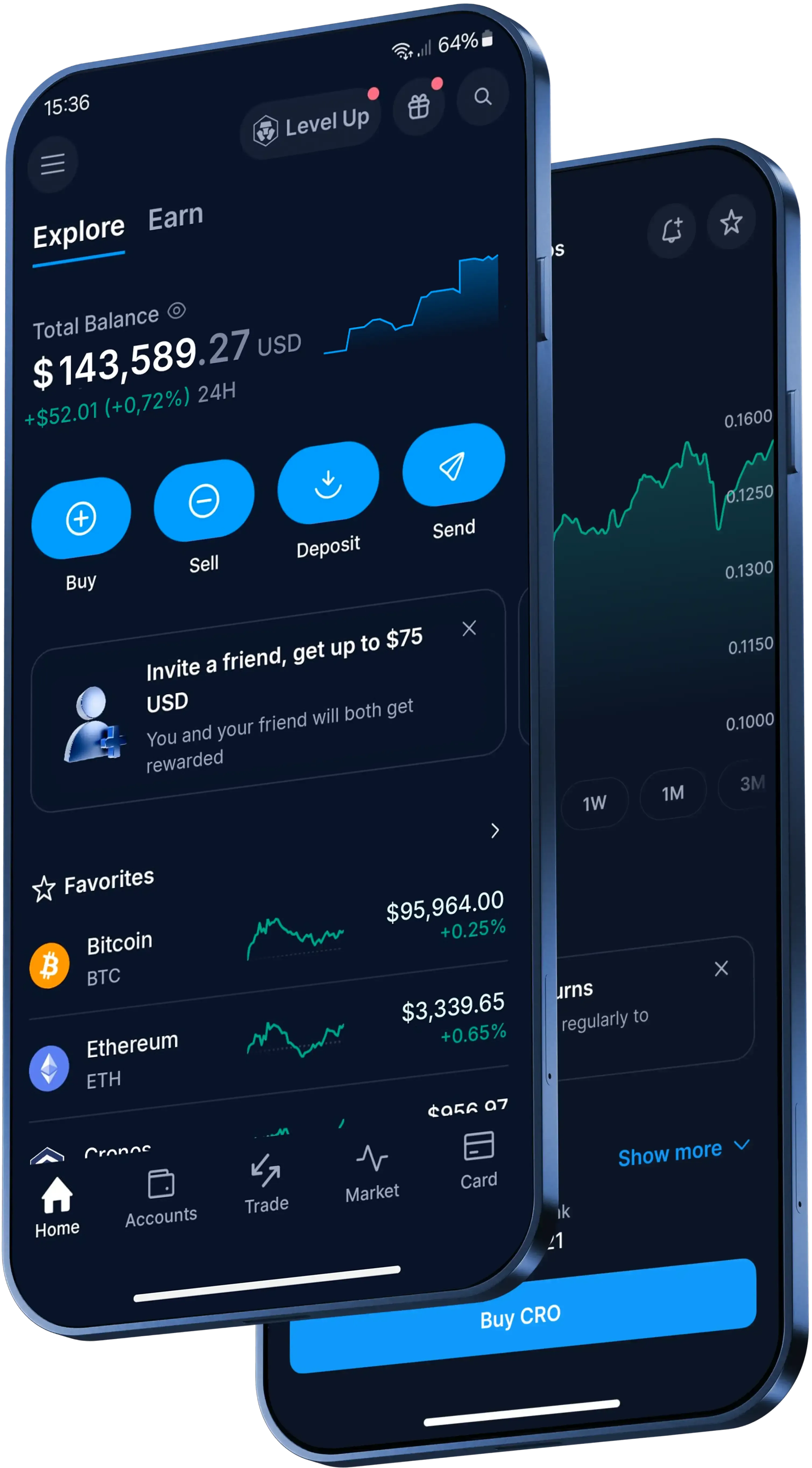
How to send Solana in the Crypto.com App
In the Crypto.com App, here's the basic flow:
- Open the App, go to 'Accounts', tap 'Crypto Wallet' and find your Solana balance.
- Select 'Transfer', then tap 'Withdraw'.
- Choose 'Crypto.com Users' to send to another App user, or 'External Wallet' to send to a supported outside address.
- Enter the amount of Solana, check the network details and confirm the withdrawal with your protection method, such as two-factor authentication (2FA).
What does it cost to send SOL?
The cost depends on the route you choose.
- To another Crypto.com App user: Sending Solana to another App user is instant and free of charge. Other fees, spreads or transfer limits may apply.
- To an external wallet: Standard network withdrawal fees apply. Review the transaction details and network costs in the App before confirming.
Can you reverse a Solana transfer?
For an external blockchain transfer, cryptocurrency transactions are immutable once they are authorised and confirmed on the network. That means they can't be cancelled or reversed.
Completed Send transfers are also final, and Crypto.com is unable to undo the transfer or recover the crypto.
Before confirming, check the recipient, amount, wallet address and network details. For a new external address in the App, withdrawal whitelisting is mandatory: add the address to your approved whitelist, then verify the addition with a protection method such as 2FA.