

What are Chainlink and LINK?
Chainlink is an oracle network. Put simply, oracles help smart contracts connect to information and systems beyond their own blockchain, such as external APIs and offchain computation.
LINK is the native digital asset of the Chainlink Network. It serves as the standard unit of payment for Chainlink services, including fees paid by developers and organisations. LINK is also used to compensate network service providers, such as node operators, for facilitating Chainlink services.
How to send LINK in the Crypto.com App
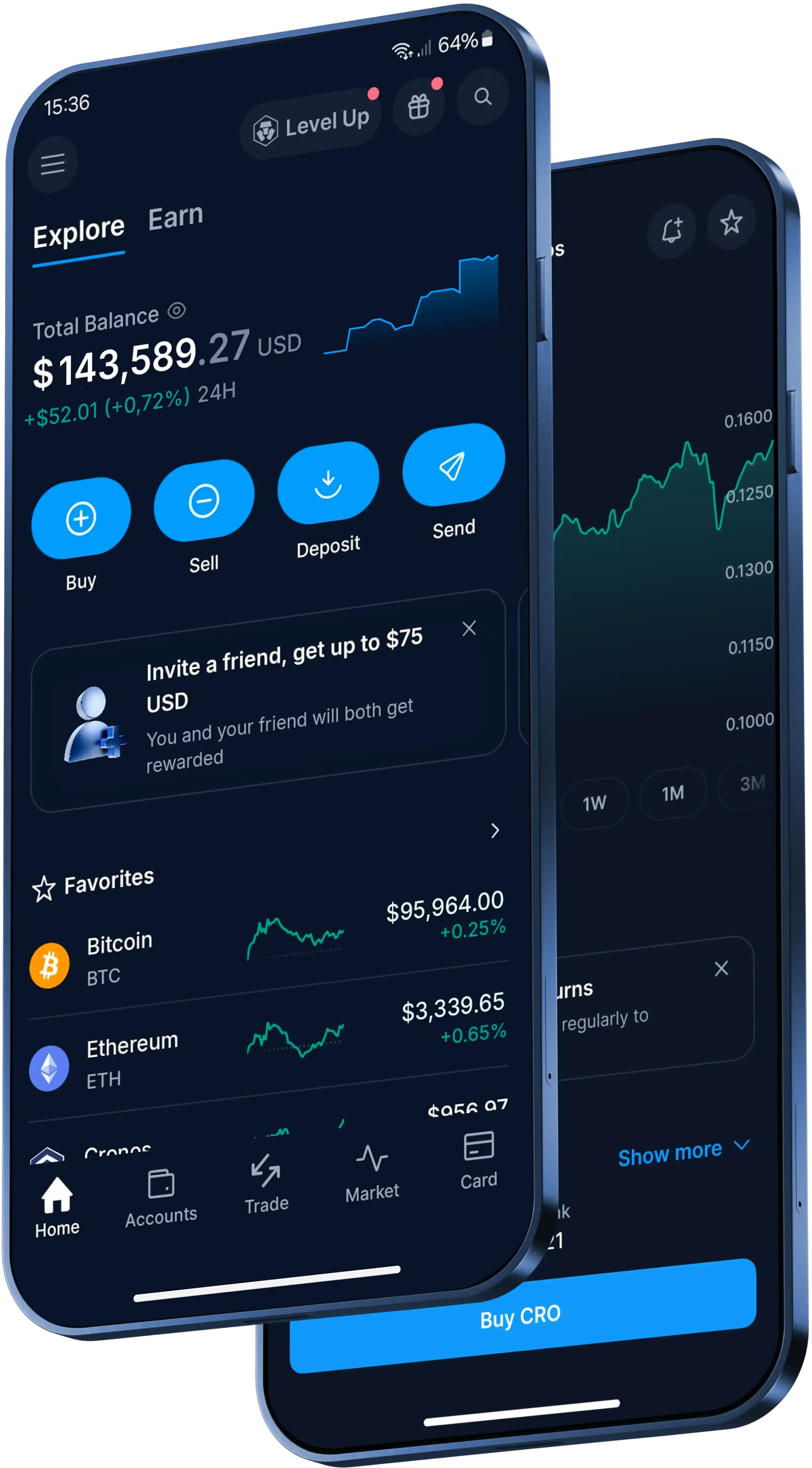
In the Crypto.com App, the basic flow is:
- Open the App, go to 'Accounts', tap 'Crypto Wallet' and find your Chainlink balance.
- Tap 'Transfer', then 'Withdraw'. Choose 'Crypto.com Users' to send to another App user, or 'External Wallet' to send to an outside address.
- Enter the amount of LINK, double-check the network details and verify the withdrawal using your preferred protection method, such as two-factor authentication (2FA).
What should you check before sending LINK externally?
For an external wallet, you'll need the exact public address of the receiving wallet. You can route Chainlink to the Crypto.com Onchain wallet or another supported non-custodial address, but the address and network details must match the receiving wallet.
The App also uses mandatory withdrawal whitelisting. Before you can send Chainlink to a new external address, you need to add it to your approved whitelist and verify the addition.
What fees, limits and reversals apply to LINK transfers?
Routing LINK to another Crypto.com App user is instant and incurs zero fees. Other fees, spreads or transfer limits may apply.
If you withdraw Chainlink to an external wallet, standard network withdrawal fees apply. Check the transaction details and network costs in the App before confirming.
Confirmed blockchain transfers can't be cancelled or reversed. Completed Send transfers also can't be reversed, so check the recipient, amount and route carefully before you confirm.